To remove a user from the dealership, go to the Dealership Dashboard, open the Team section, select the user, and use the dropdown option to remove them.
Step 1: On the Dealership Dashboard, select Team
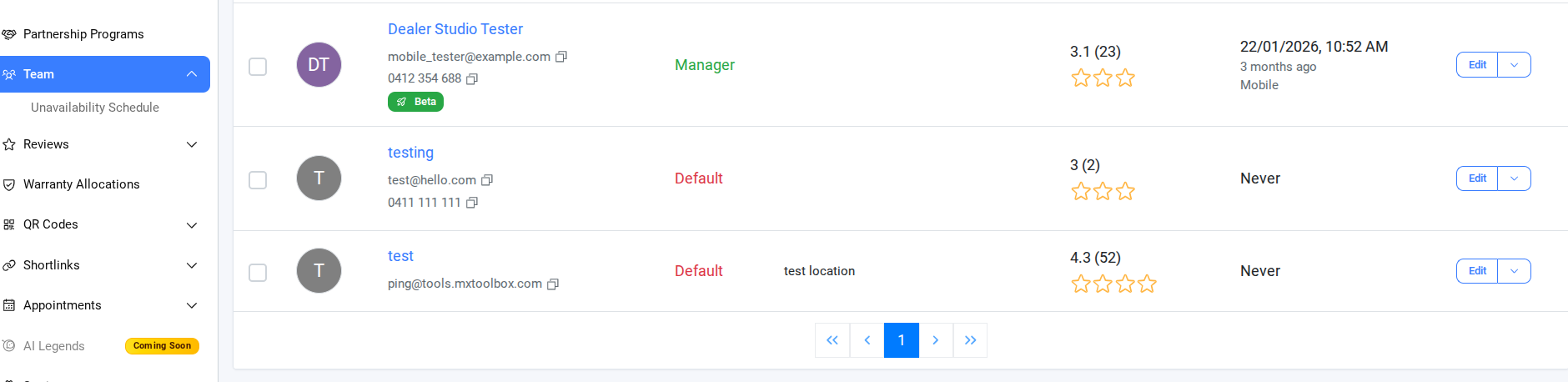
Step 2: Remove a User from the Dealership
- Click the dropdown arrow next to their name and select Remove from Dealership.
The user will be successfully removed from the dealership once the action is confirmed.
Was this article helpful?
That’s Great!
Thank you for your feedback
Sorry! We couldn't be helpful
Thank you for your feedback
Feedback sent
We appreciate your effort and will try to fix the article