This guide will walk you through the steps to update the opening hours for any of your dealership locations. Keeping your hours accurate is essential for customer trust and helps ensure your website reflects your most current trading times.
Through the Settings dashboard, you can quickly adjust daily hours, add exceptions, and publish updates instantly. No technical knowledge is required, and any changes you make will display across all areas of the site where your opening hours appear.
Follow the steps below to learn how to view, edit, and save opening hour updates for your locations.
Finding Settings
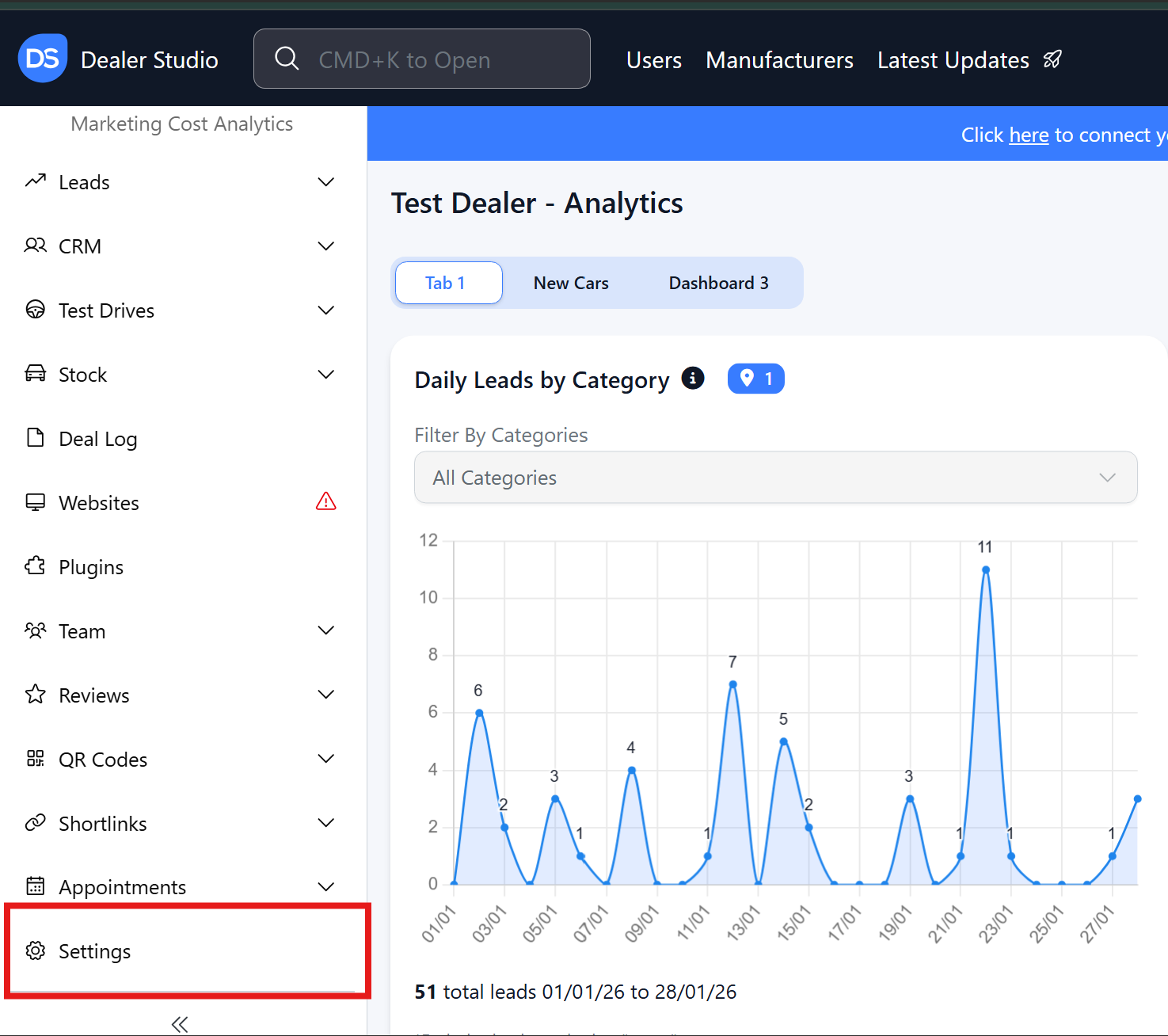
Step 1: On the Dealership Dashboard, Settings on the Bottom Left menu
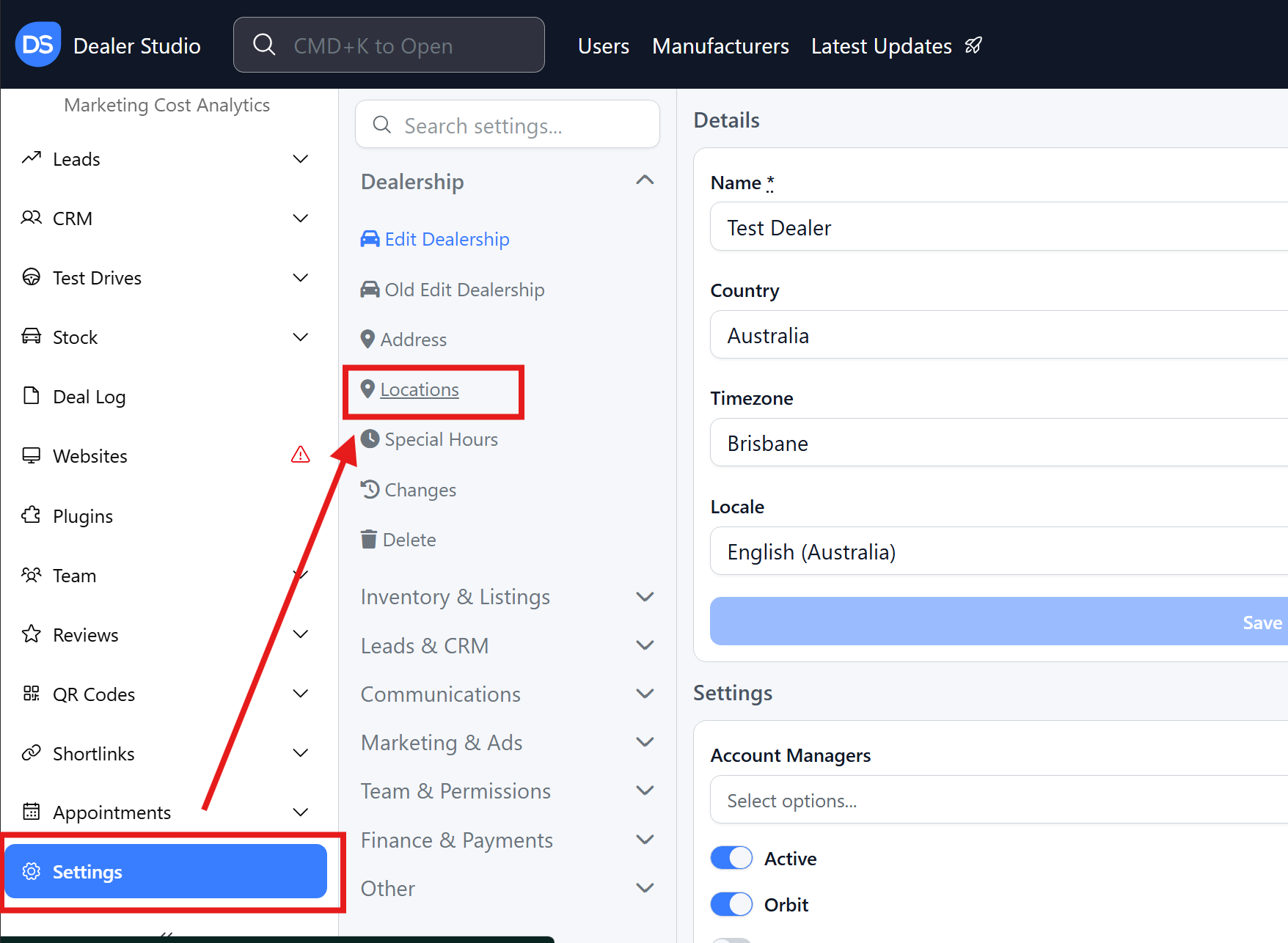
 Step 2: Select Locations to View all Locations at Dealership
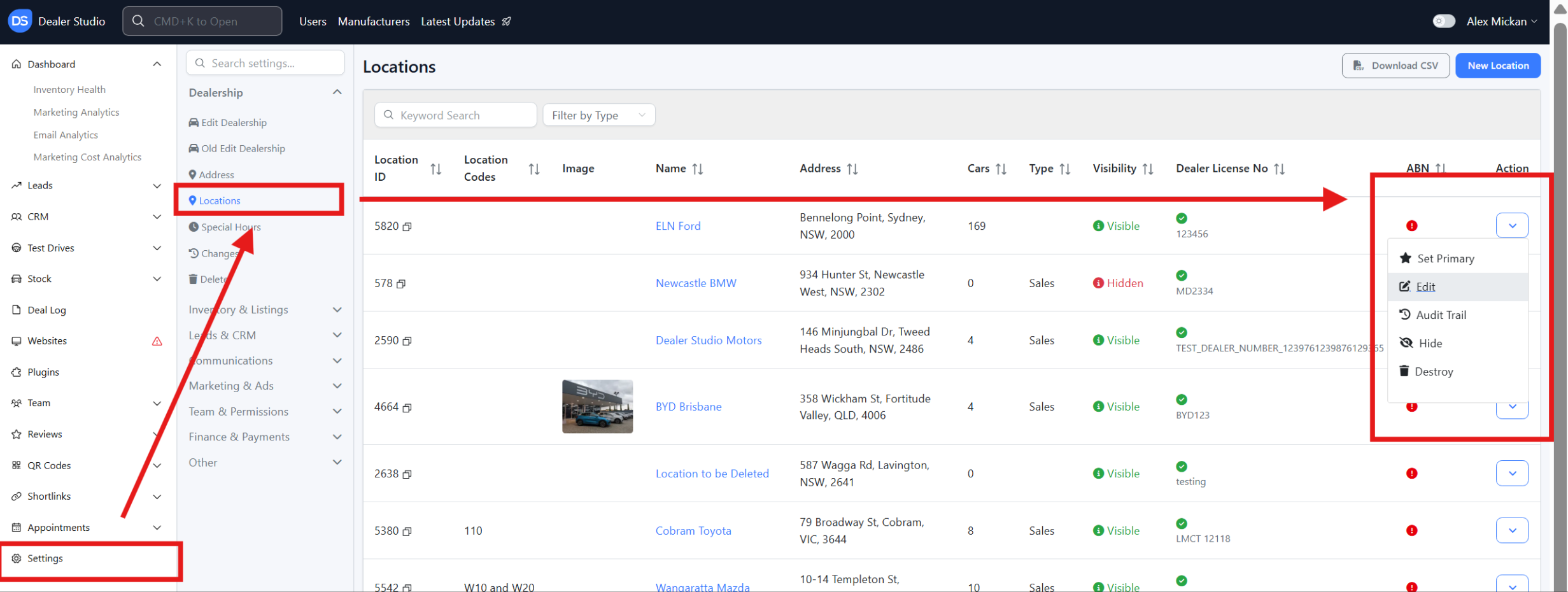
 Step 3: Select the Specific location by clicking the arrow on the right, then edit
Step 4: Please alter and change the availability as needed;
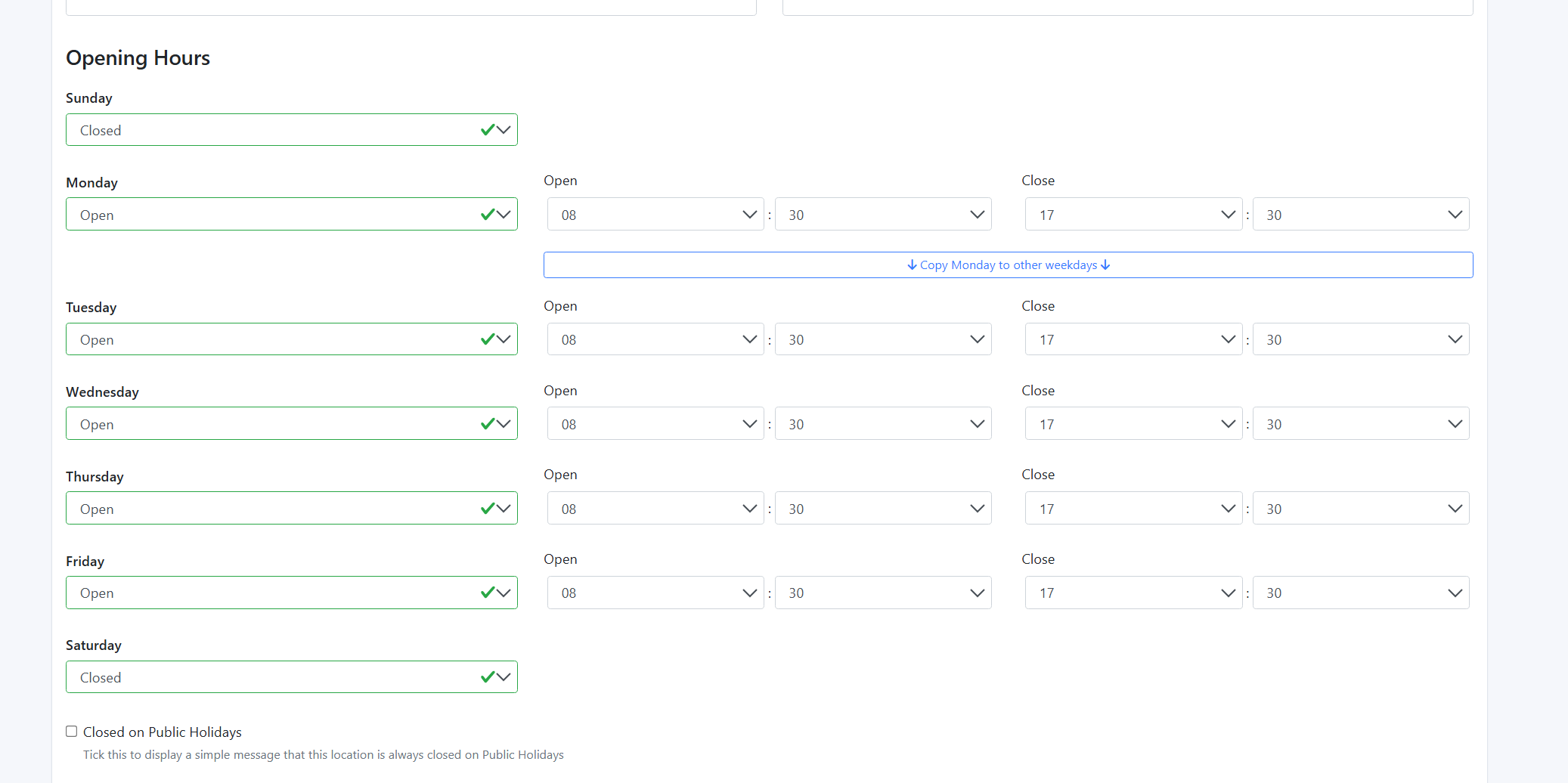
You also have the ability to clarify how available the dealership is on a certain day;
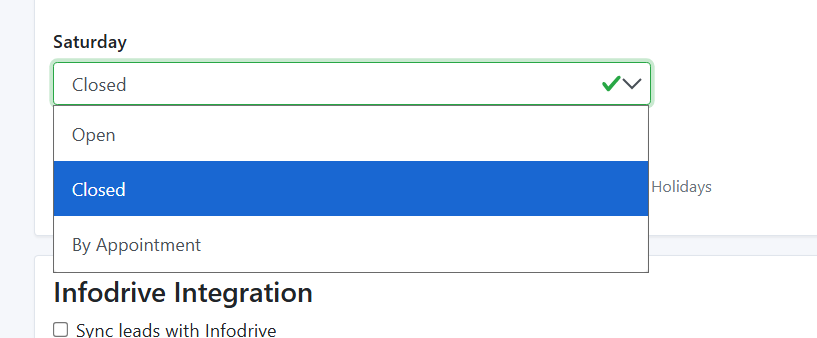
Then please click Update Location at the bottom of the page.
Please see video attached for clarity on this:
https://res.cloudinary.com/total-dealer/video/upload/v1763335310/Changing_Locations_exbsoe.mkv
Was this article helpful?
That’s Great!
Thank you for your feedback
Sorry! We couldn't be helpful
Thank you for your feedback
Feedback sent
We appreciate your effort and will try to fix the article