This article outlines the steps required to access the RDA Portal. It covers how to navigate to the login page, enter your credentials, and successfully sign in. The guide also includes basic troubleshooting tips for common access issues, such as forgotten passwords or login errors.
By following this article, users can quickly and securely access the RDA Portal and begin managing their tasks without delay.
Step 1: Access the RDA
- Please login to Dealer Studio
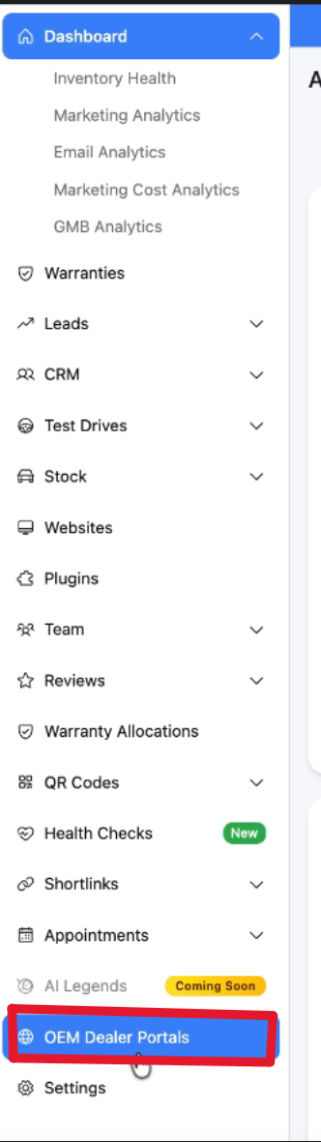
- Navigate to your dashboard -> 'OEM Dealer Portals'
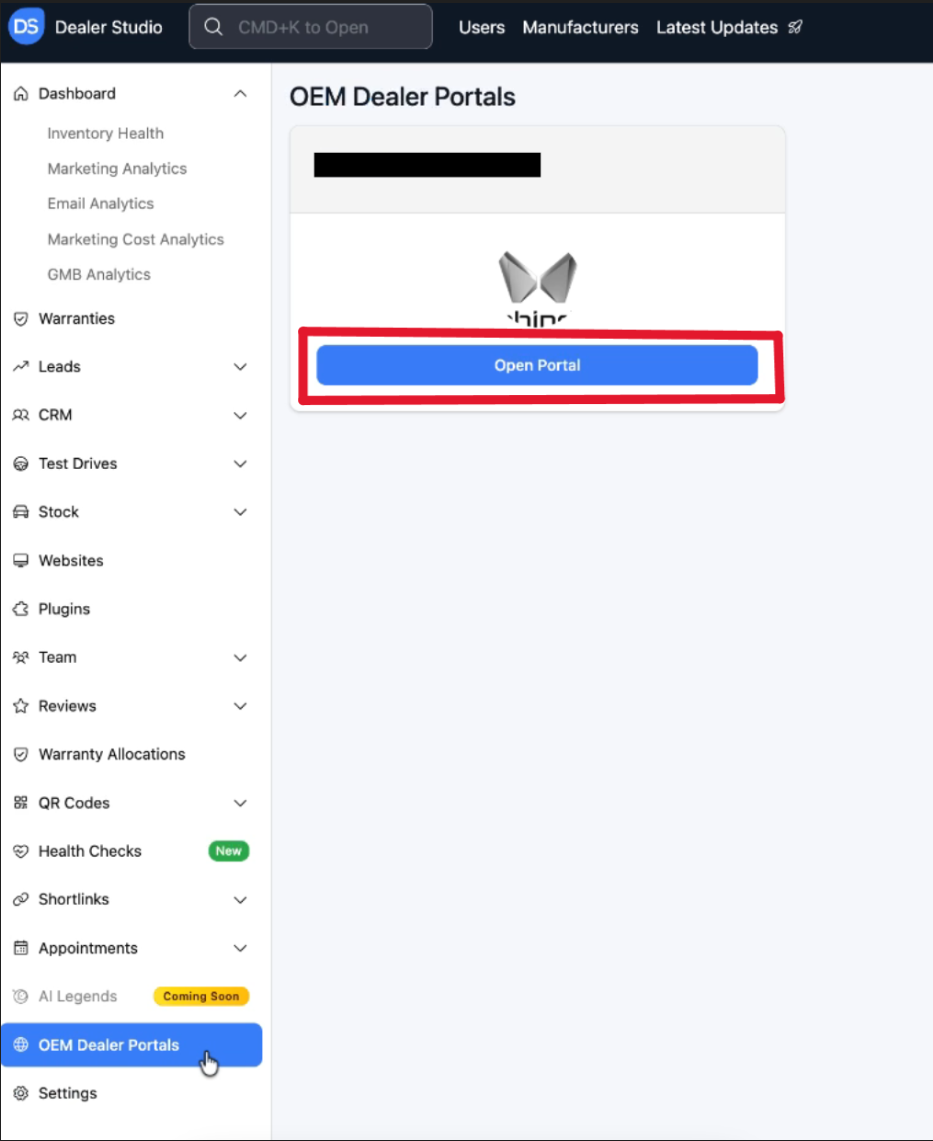
Step 2: Once you have navigated to 'OEM Dealer Portals' you will see this view
- Click open Portal
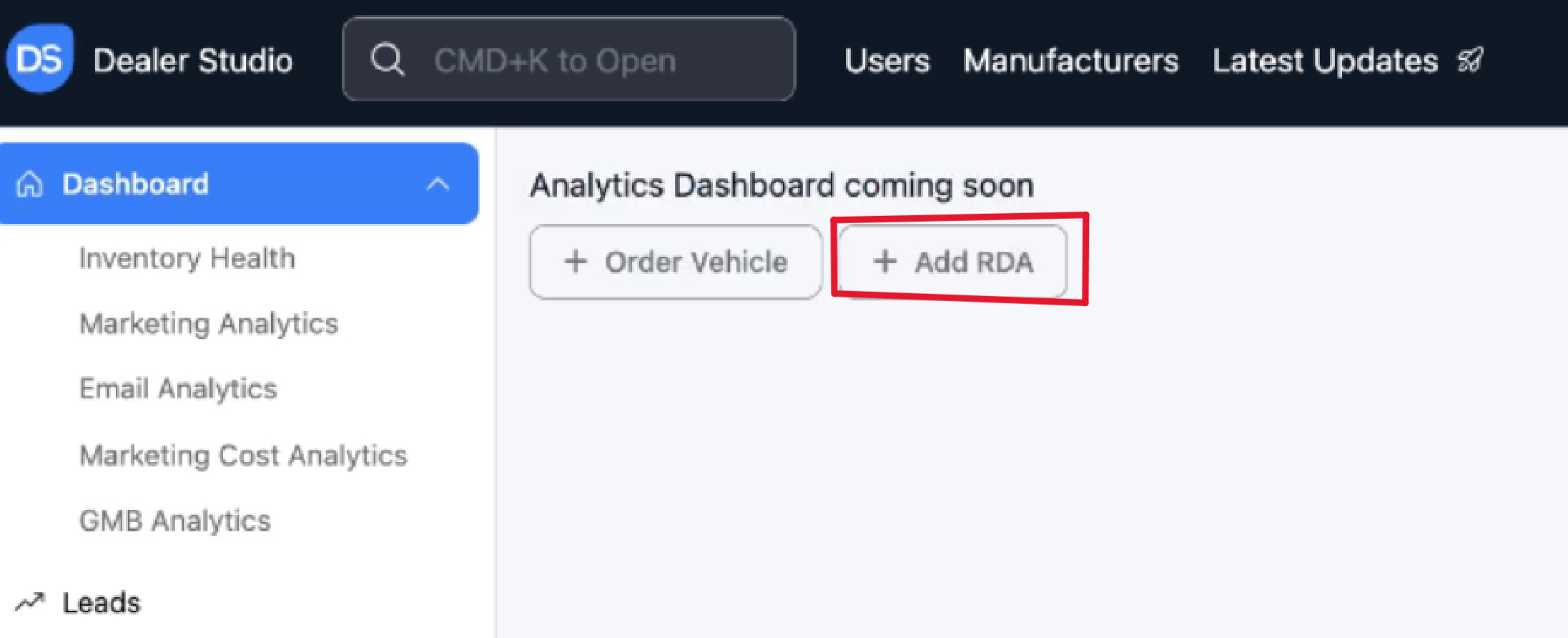
Step 3: Please then click 'Add RDA'
- On this page you can see a list of all previously completed RDA's
Step 4: Please then click ' + New Vehicle Sales ' on the top right
- On this page you can see a list of all previously completed RDA's

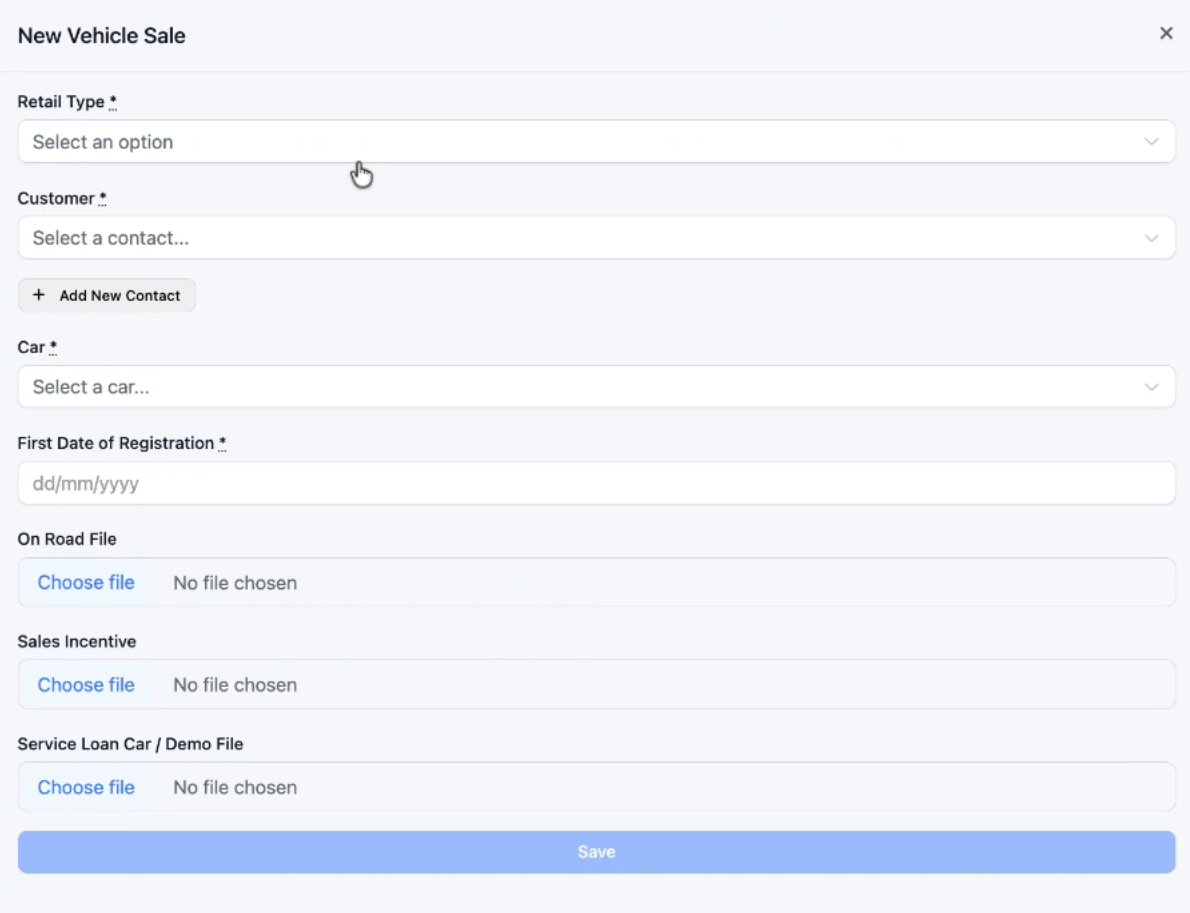
Step 5: You will then see the report you can fill out;
- Retail Type: New/Demo/Used Etc
- Customer: Client to associate to vehicle
- Add new contact can be added for a private or commercial customer
- Select the car via stock number
- select first date of registration
- Add in the on road file, sales incentive, or loan car contract
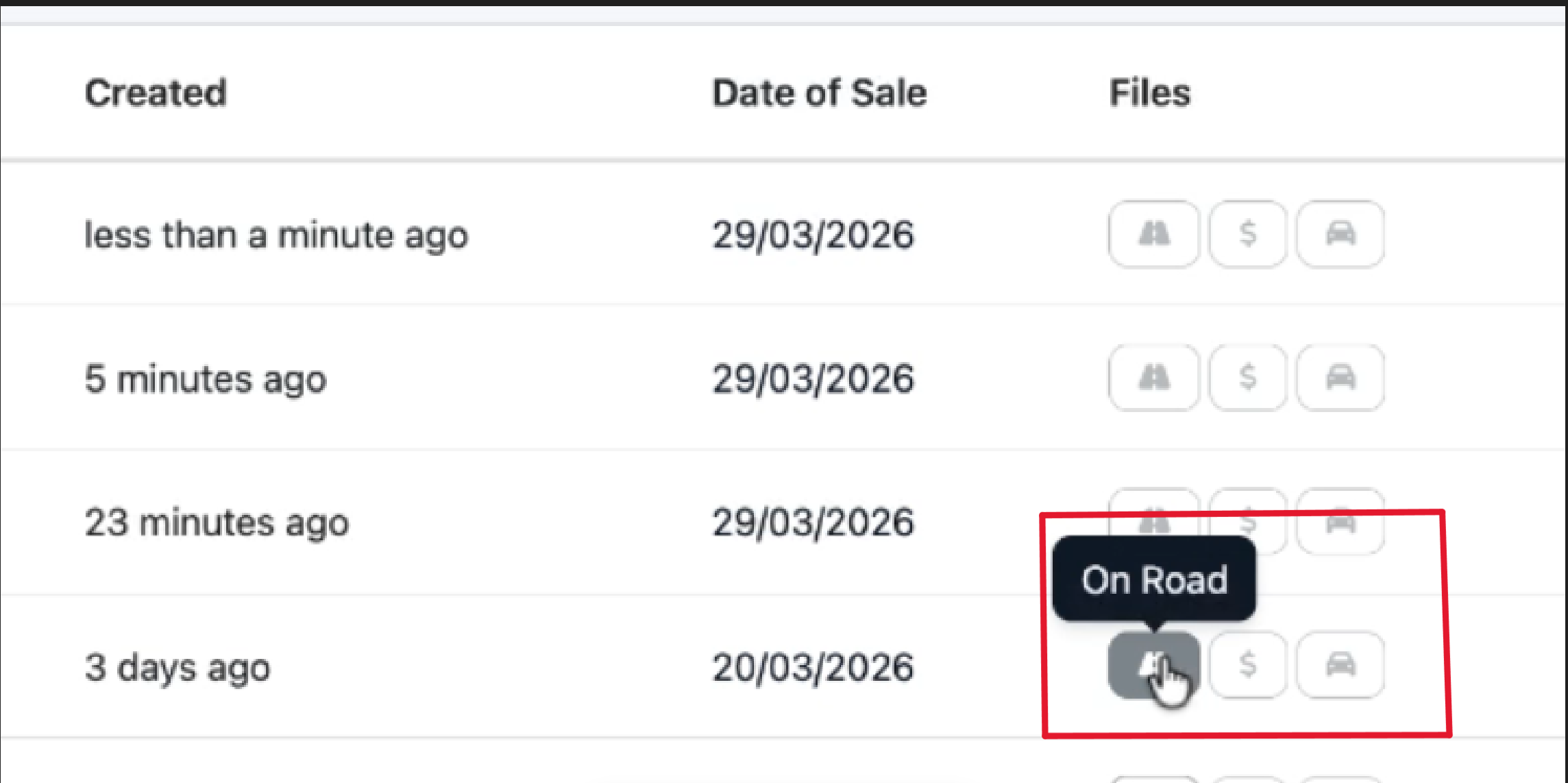
Step 6: You can check files, to the right of the vehicle entered on that page
- If the file was entered into the 'On Road', 'Sales Incentive' or 'Service Loan/demo file' will be clickable from those options, if not uploaded, the button will be greyed out.
Step 7: Troubleshooting and Final Notes
- If the client doesn't exist- your Dealer Studio leads may not be coming into the system
- If you want to change this- please reach out to your account manager
- If you can't see a car in the stocklist- this is from the DMS, so please ensure they are assigned to the correct location
Please see attached video on this process;
Was this article helpful?
That’s Great!
Thank you for your feedback
Sorry! We couldn't be helpful
Thank you for your feedback
Feedback sent
We appreciate your effort and will try to fix the article