This guide walks you through editing email templates in your CMS. It covers navigating between Dealer Level and Website Level, accessing the Email Template Editor, creating or editing templates, using merge tags for dynamic content, and testing your updates. By following these steps, users can confidently manage email communications without errors.
Step 1: Navigate to the Correct Level (Dealer Level → Website Level)
Your CMS has two levels of settings:
Dealer Level
Website Level
First, ensure you’re on Dealer Level.
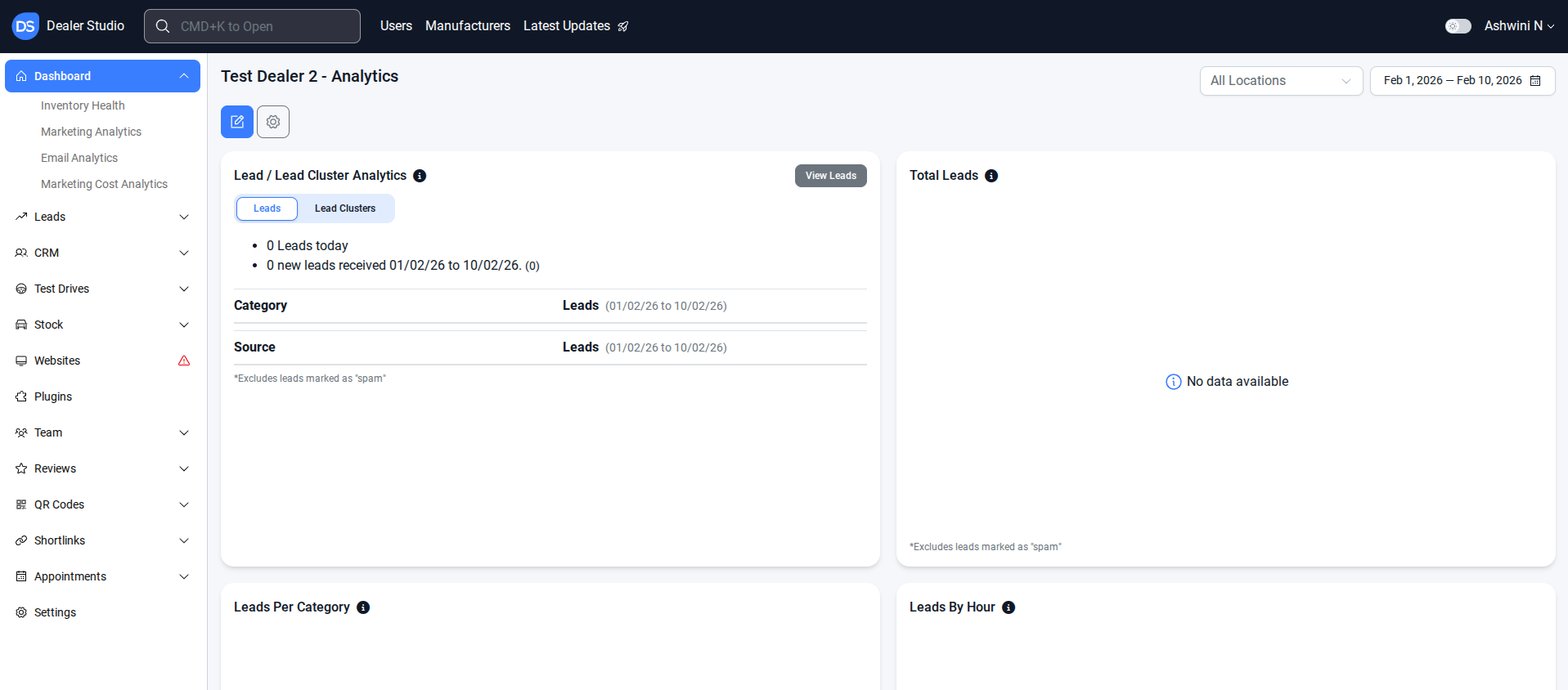
Step 2: Go to Settings → Communication → Email Template Editor
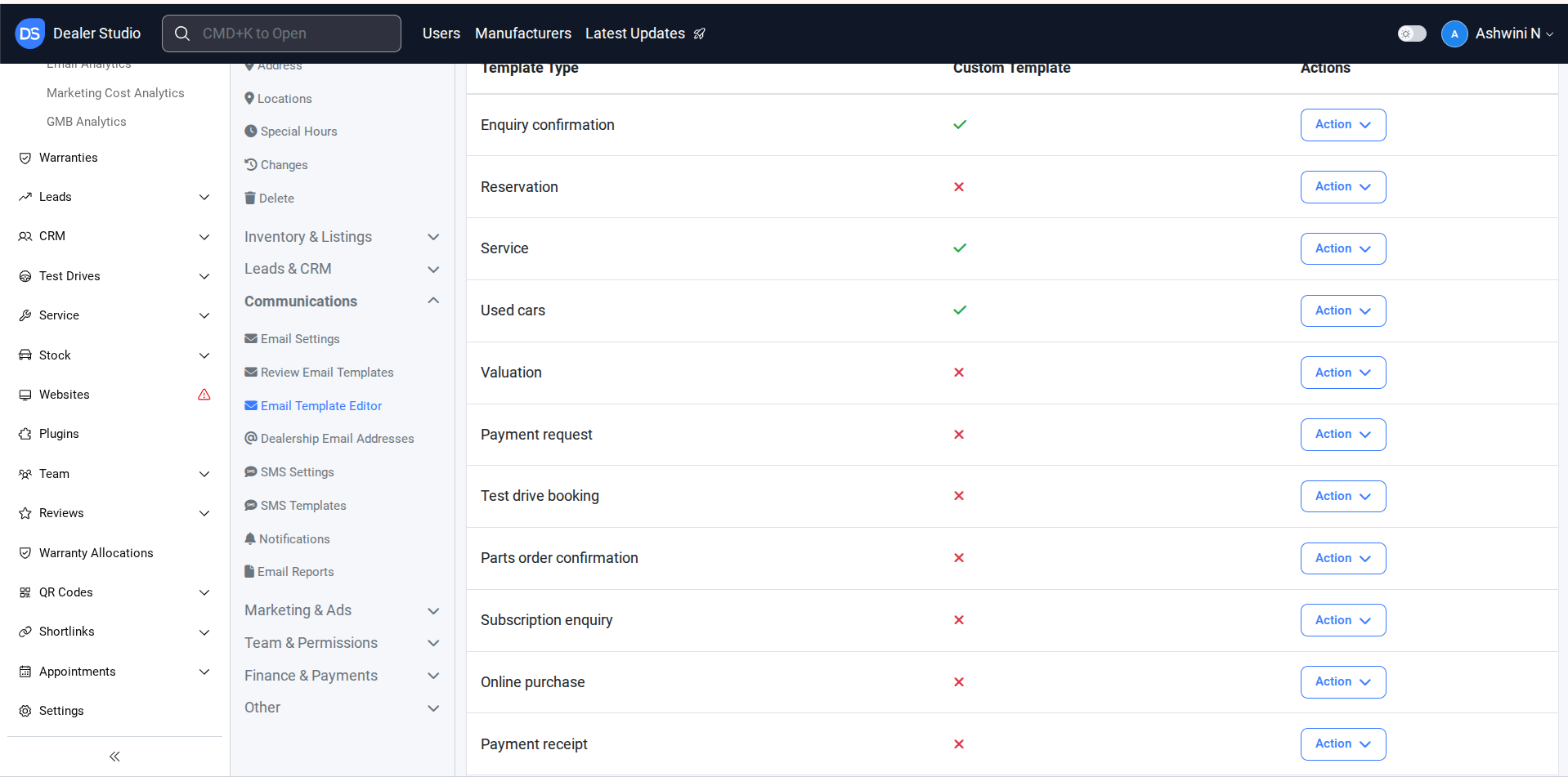
Important: The titles of templates are not necessarily aligned with their categories.If you’re unsure which template to edit, reach out to support@dealerstudio.com.au or your account manager for clarification.
NOTE: Email templates are split into 2 levels - Dealership level (applies to ALL websites) and Website specific level
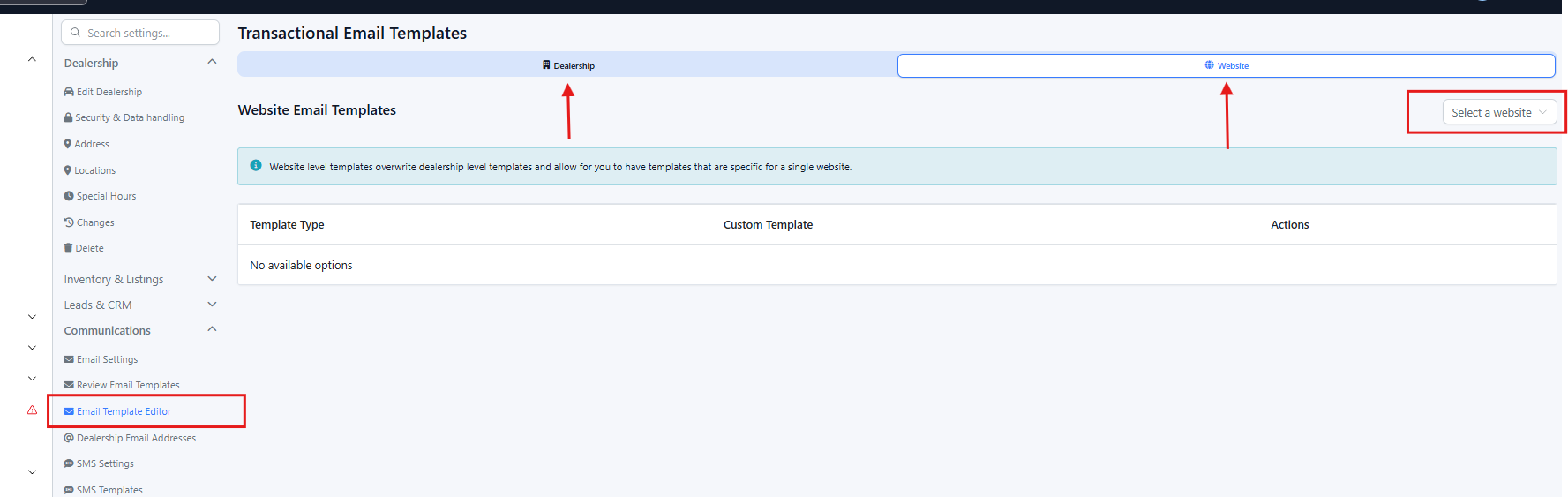
Step 3: In Email Template Editor, Select the Template Type
To create a new template: Click Action → Create Custom Template
To edit an existing customised template: Click Action →Edit
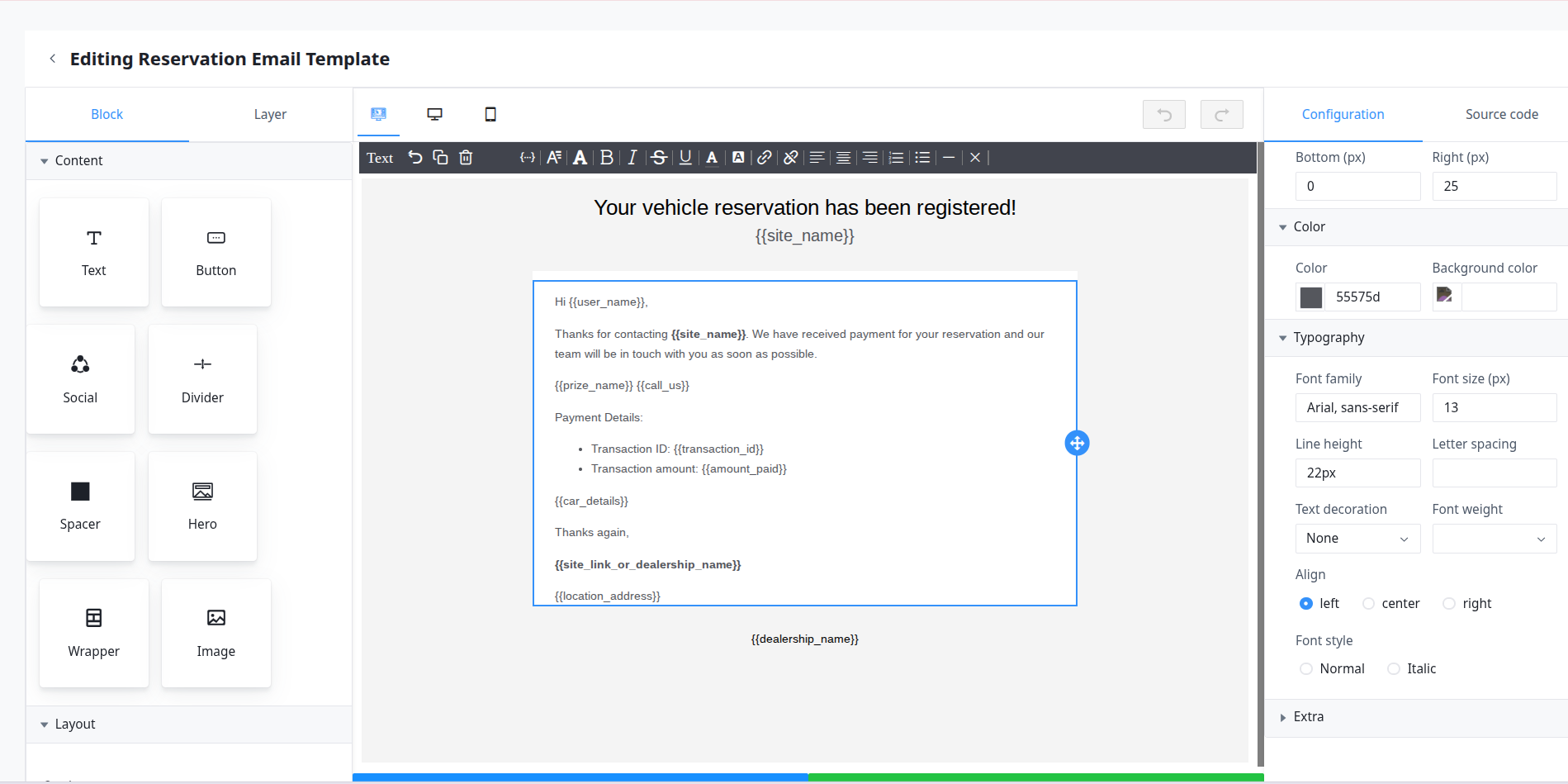
- Note: Whilst you are on this page, you can also alter the templates physical attributes.
- Font Size
- Font Type
- Alignment (Centred Text, Left or Right-Aligned
- Colour of Text and Colour of Background
- Normal or Italic Text
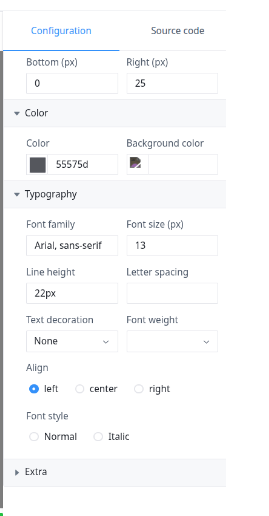
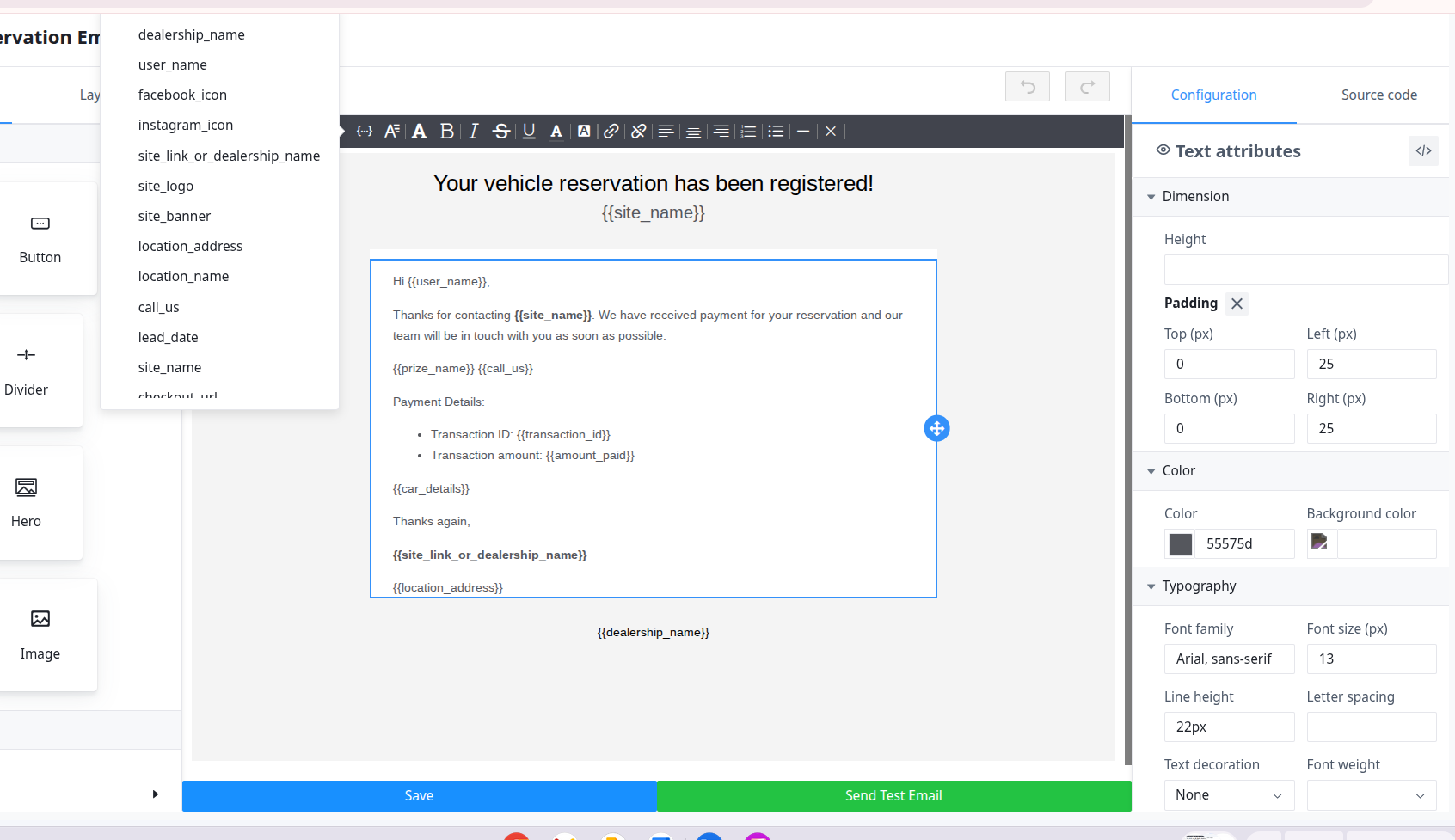
Step 4: In Edit Template, you can edit the information
Click the Merge tag {…} icon to select dynamic fields.
Examples of tags:
user_name
site_name
call_us
You can also manually edit the content in the template.
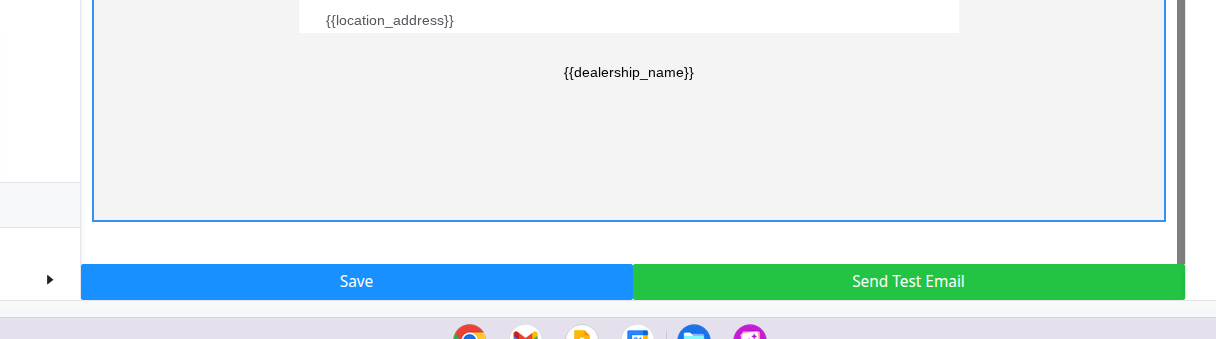
Step 5: Save and Test
After editing, click Save.
Send a Test Email to ensure your changes work as expected.
By completing these steps, you ensure that all email templates are accurately customized and functional. Testing the changes before sending ensures that your emails display correctly to recipients, helping maintain professional and consistent communication.
Please use this video link : https://res.cloudinary.com/total-dealer/video/upload/v1772160688/Screen_recording_2026-02-27_11.53.07_AM_sehjww.webm
Was this article helpful?
That’s Great!
Thank you for your feedback
Sorry! We couldn't be helpful
Thank you for your feedback
Feedback sent
We appreciate your effort and will try to fix the article