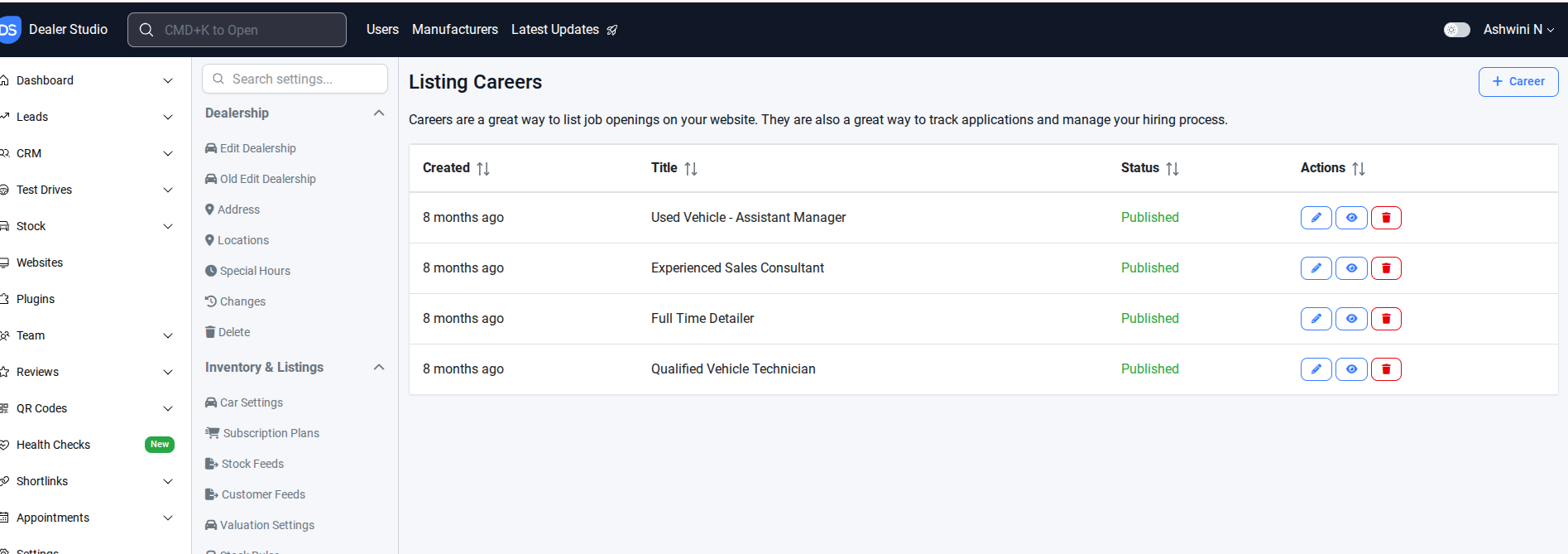
The process outlines how to manage job positions on the Careers page. It includes navigating to the Listing Careers section, editing details such as status, title, location, and content, saving changes, or deleting a position entirely. These steps ensure that the Careers page remains accurate and up to date.
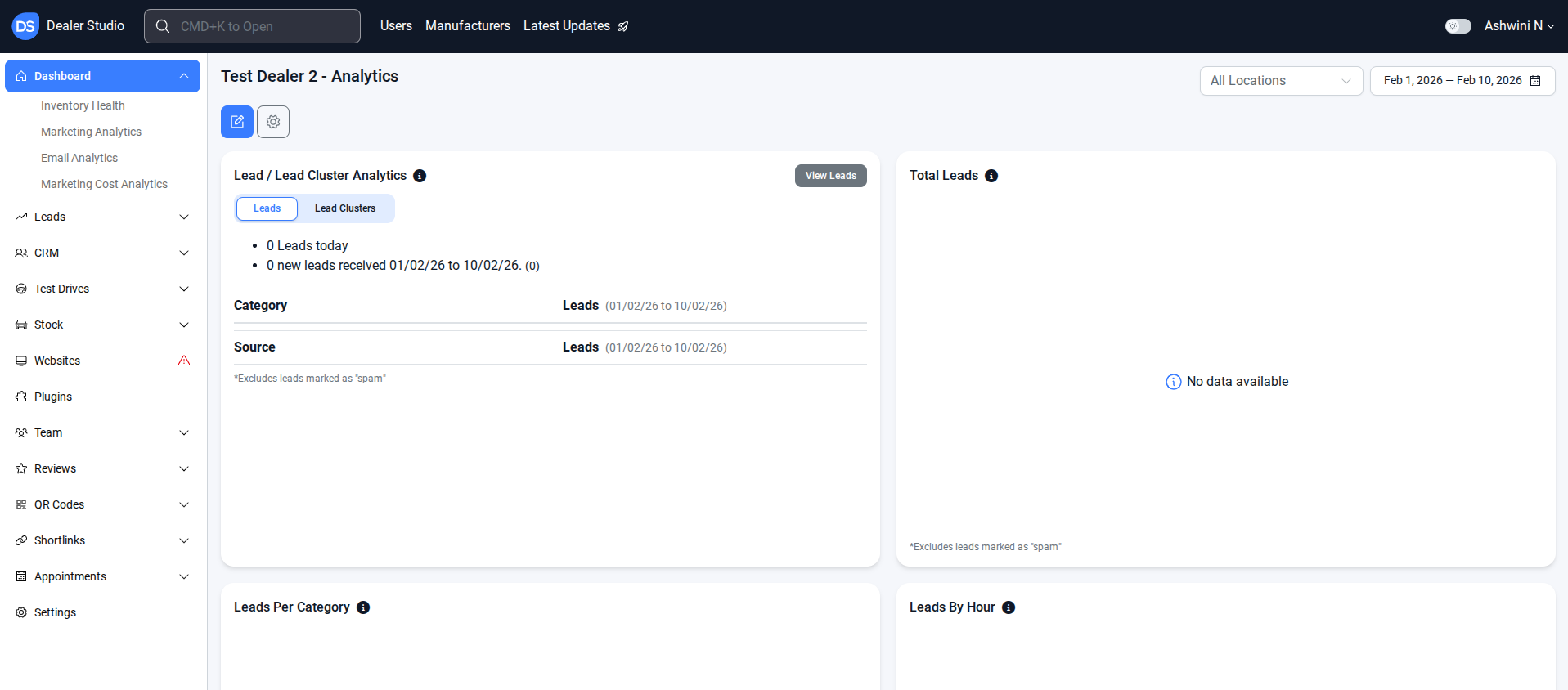
Step 1. Navigate to the Correct Level (Dealer Level → Website Level)
Your CMS has two levels of settings:
Dealer Level
Website Level
First, ensure you’re on Dealer Level.
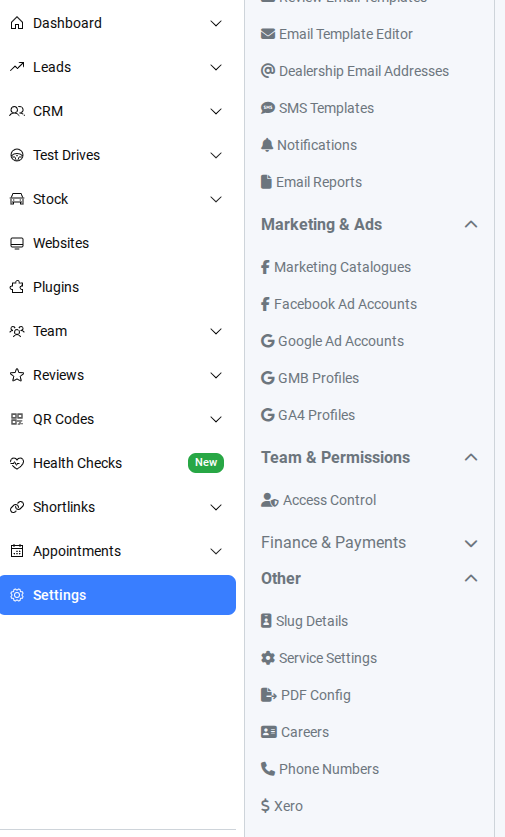
Step 2. In Settings, Select Other → Careers
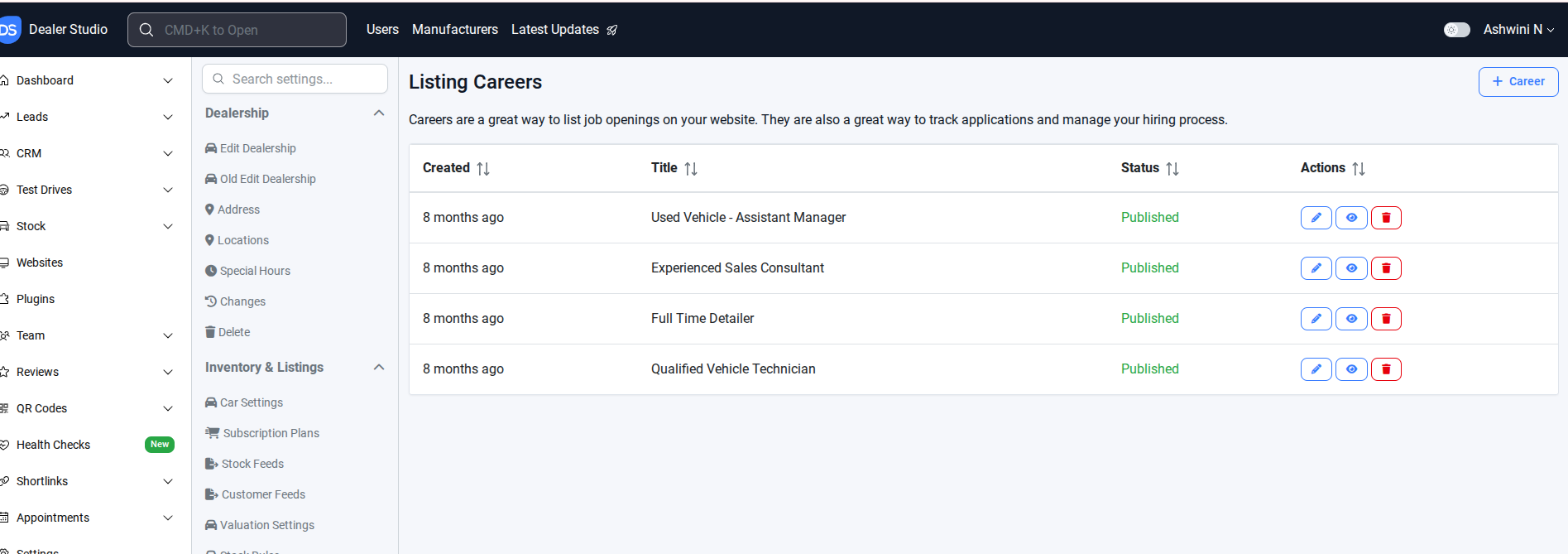
Step 3. In Careers, Listing Careers
Edit the job position you want to update
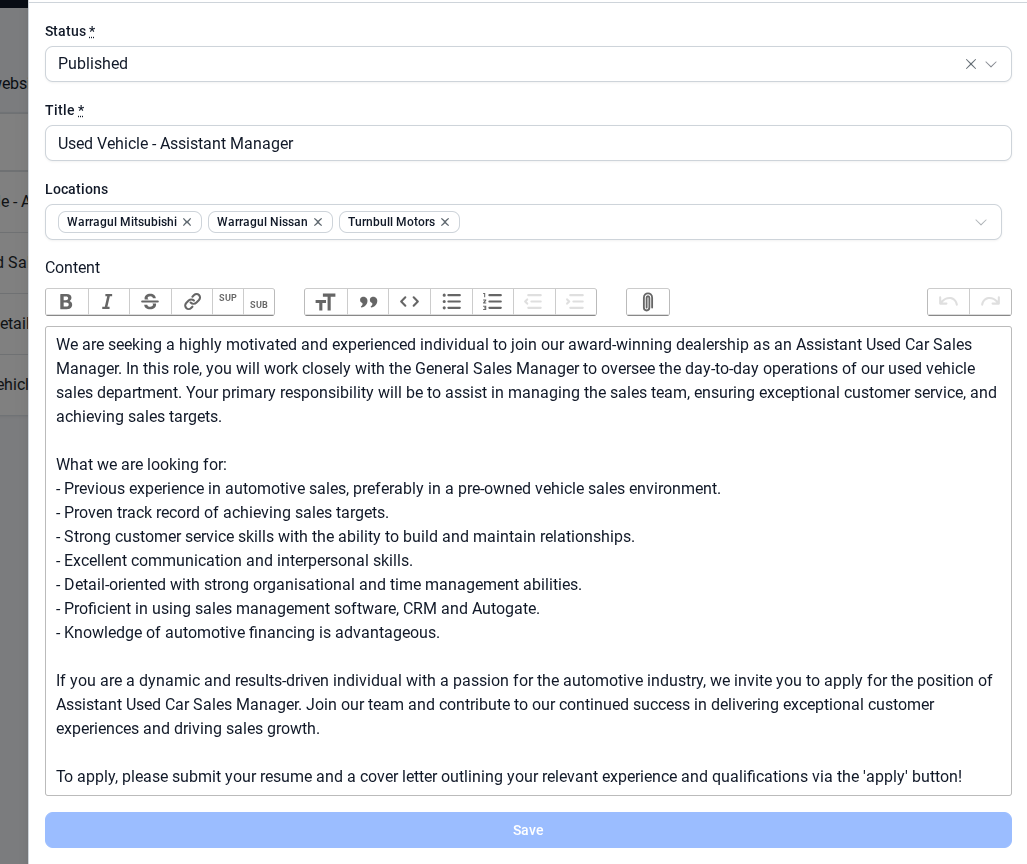
Edit Status – Update the status of the job
Title – Edit the job title if needed.
Locations – Update or select the location for the position.
Content – Edit the job description or details.
Save the changes – Make sure to save to apply the updates on the Careers page.
Remove the job position you want to update
Delete the job position
Verify on the live website that the dealer license and location are correctly displayed.
The process outlines how to manage job positions on the Careers page. It includes navigating to the Listing Careers section, editing details such as status, title, location, and content, saving changes, or deleting a position entirely. These steps ensure that the Careers page remains accurate and up to date.
Was this article helpful?
That’s Great!
Thank you for your feedback
Sorry! We couldn't be helpful
Thank you for your feedback
Feedback sent
We appreciate your effort and will try to fix the article