This article shows how to make links open in the same browser tab and explains why keeping users on the same page can improve their browsing experience. It’s a practical guide for anyone looking to make website navigation smoother and more user-friendly.
#Step 1. Navigate to the Correct Level (Dealer Level → Website Level)
Your CMS has two levels of settings:
Dealer Level
Website Level
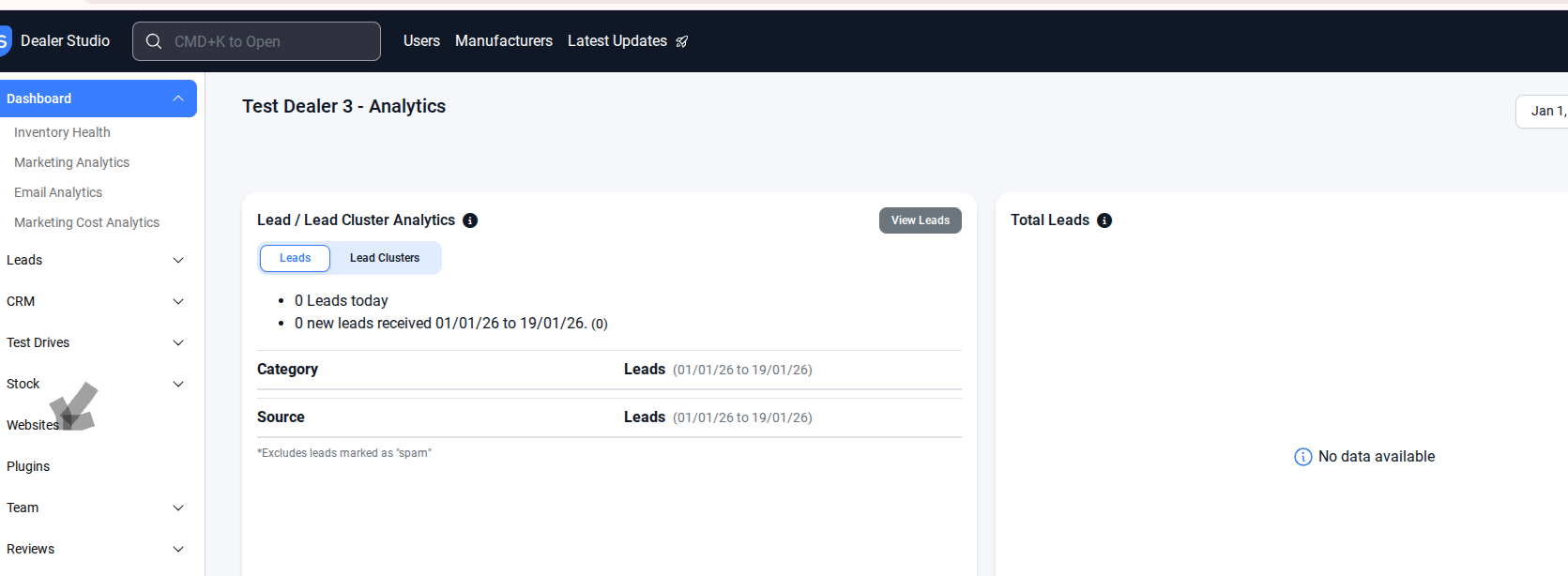
First, ensure you’re on Dealer Level.
In the left-hand sidebar, go to Websites.
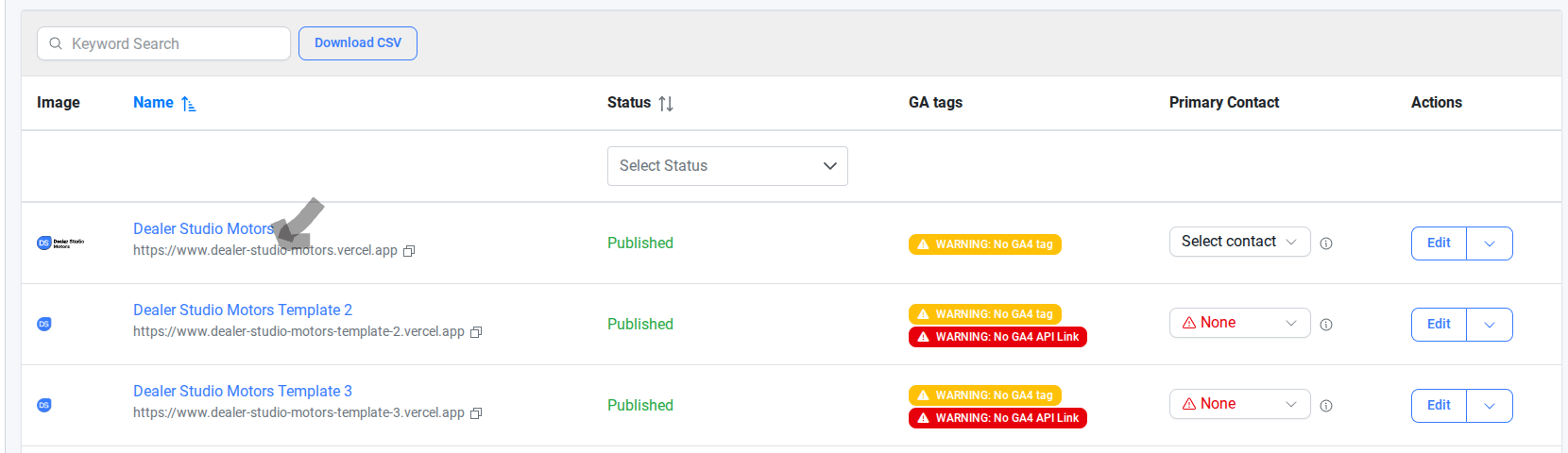
#Step 2. Select the correct website
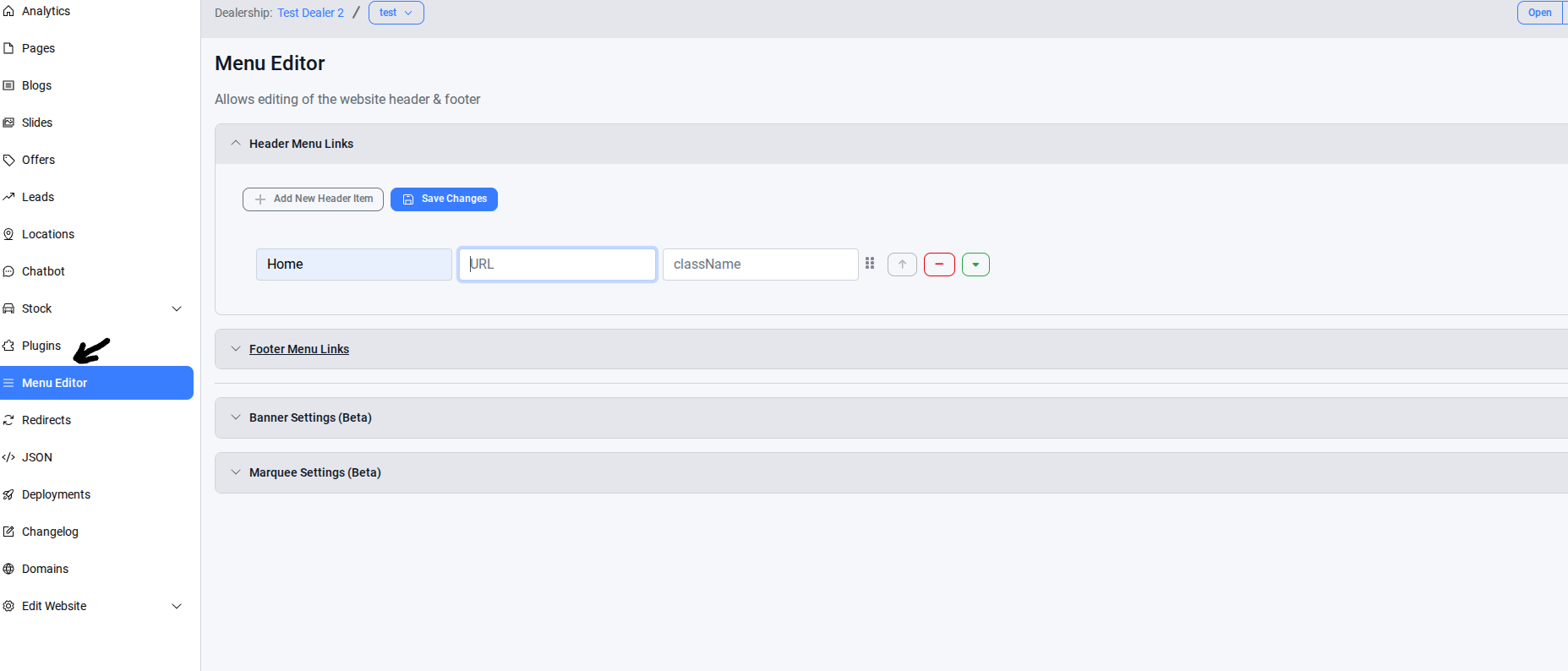
#Step 3. Select the Menu Editor
#Step 4. In the menu editor, always make sure the URL is a Slug(landing Page)
If you use the full URL, the page will always open in a new tab. This also applies to other links on the same website.
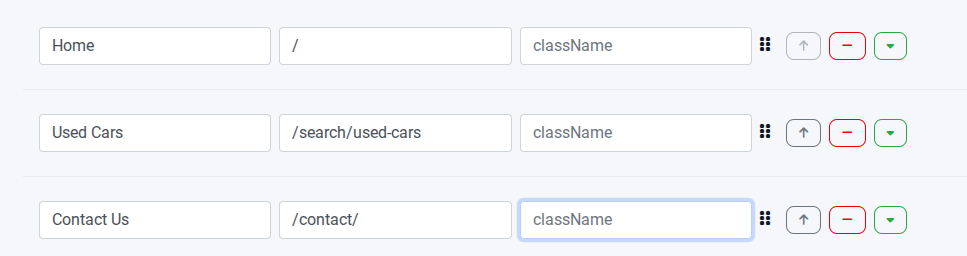
If the link points to a different website or a completely different URL, you should use the full URL. If it links to a page on the same website, you should use only the slug (for example, /contact).
Was this article helpful?
That’s Great!
Thank you for your feedback
Sorry! We couldn't be helpful
Thank you for your feedback
Feedback sent
We appreciate your effort and will try to fix the article