In some cases, you may wish to transfer leads between dealerships. To achieve this, you need to have access to both dealerships in question.
To transfer a lead cluster, follow these steps:
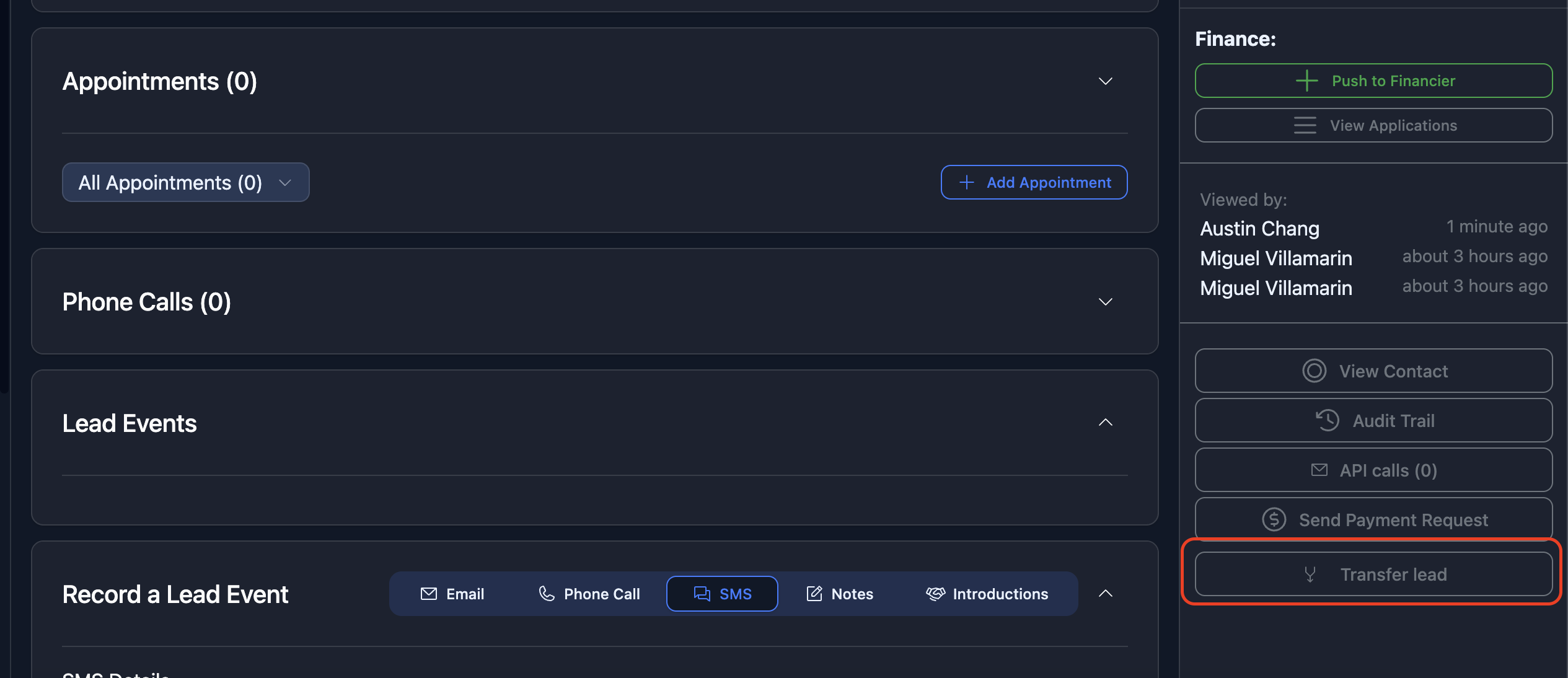
- Go to the lead cluster show screen, and look for the "Transfer lead" button in the sidebar
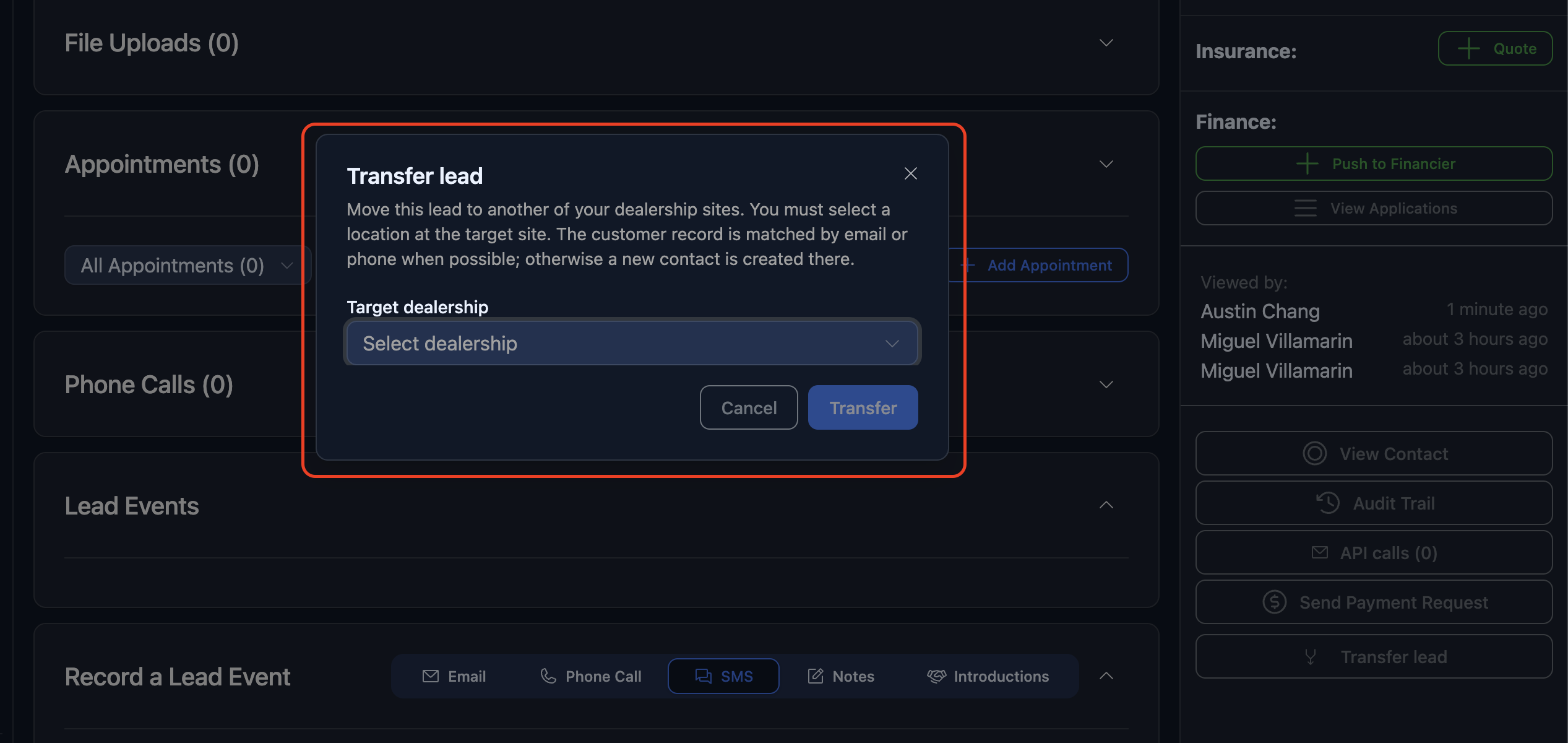
- This will then open a "Transfer lead" dialog which will allow you to transfer to the target dealership.
Please note this cannot be reversed.
Was this article helpful?
That’s Great!
Thank you for your feedback
Sorry! We couldn't be helpful
Thank you for your feedback
Feedback sent
We appreciate your effort and will try to fix the article