Dealer Studio now tracks how long a visitor spends on your website before submitting a form, as well as their total session duration on the site. This gives you valuable context about lead engagement, helping you understand how much time a prospect invested before reaching out.
What Is Tracked?
For each lead generated through a form submission, Dealer Studio records:
- Time to submit — how long (in seconds) the visitor spent filling out and submitting the form
- Time on site — the total duration of the visitor's session on your website before submitting
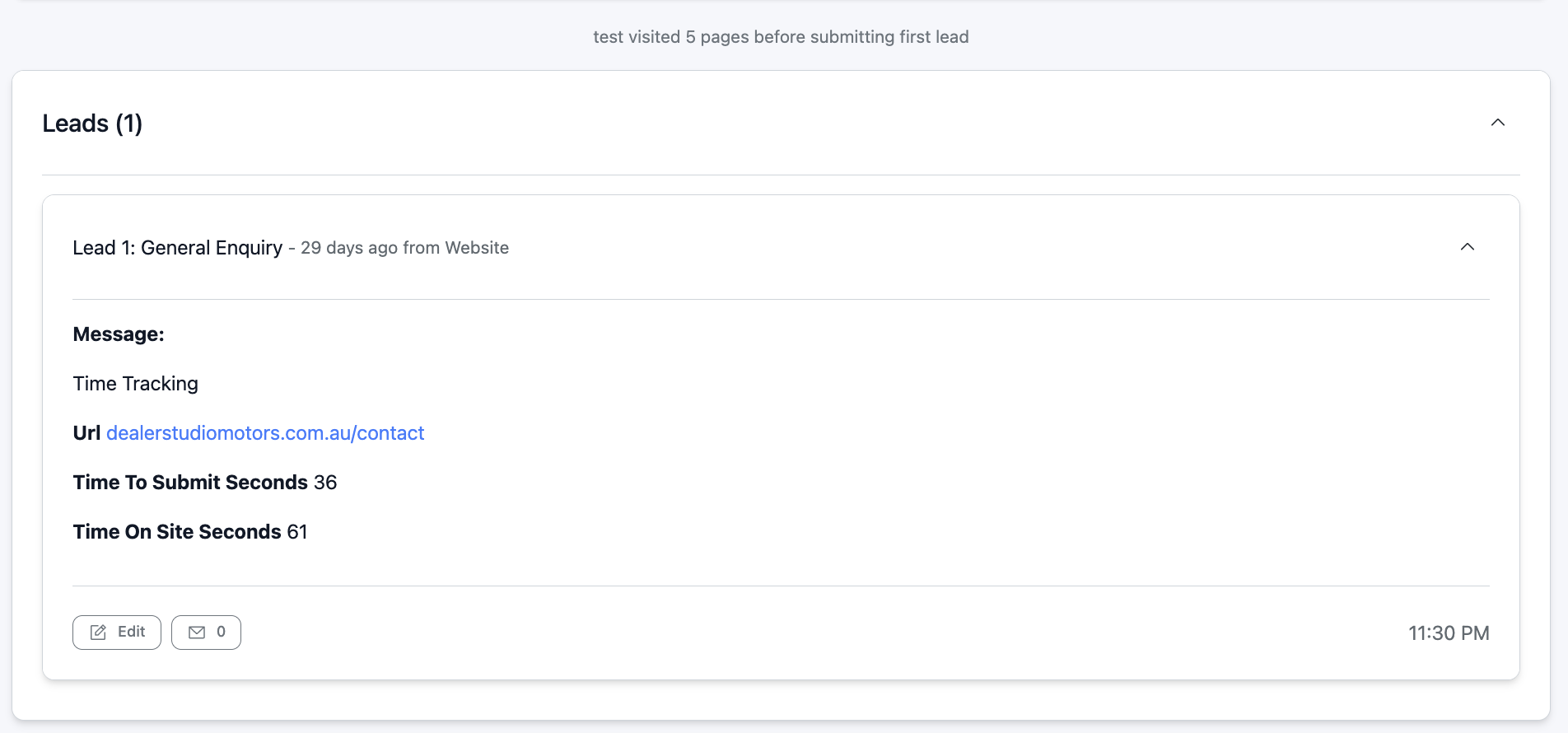
For example, a lead might show 36 seconds to submit the contact form and 61 seconds spent on the site — giving you an at-a-glance sense of how engaged that prospect was.
Where to Find This Information
- Log in to your Dealer Studio dashboard.
- Navigate to Leads from the main menu.
- Open any lead record.
- Look for the time tracking data displayed within the lead details — this will show the form submission time and total session duration.
Note: Time tracking data is only captured on website leads.
Was this article helpful?
That’s Great!
Thank you for your feedback
Sorry! We couldn't be helpful
Thank you for your feedback
Feedback sent
We appreciate your effort and will try to fix the article