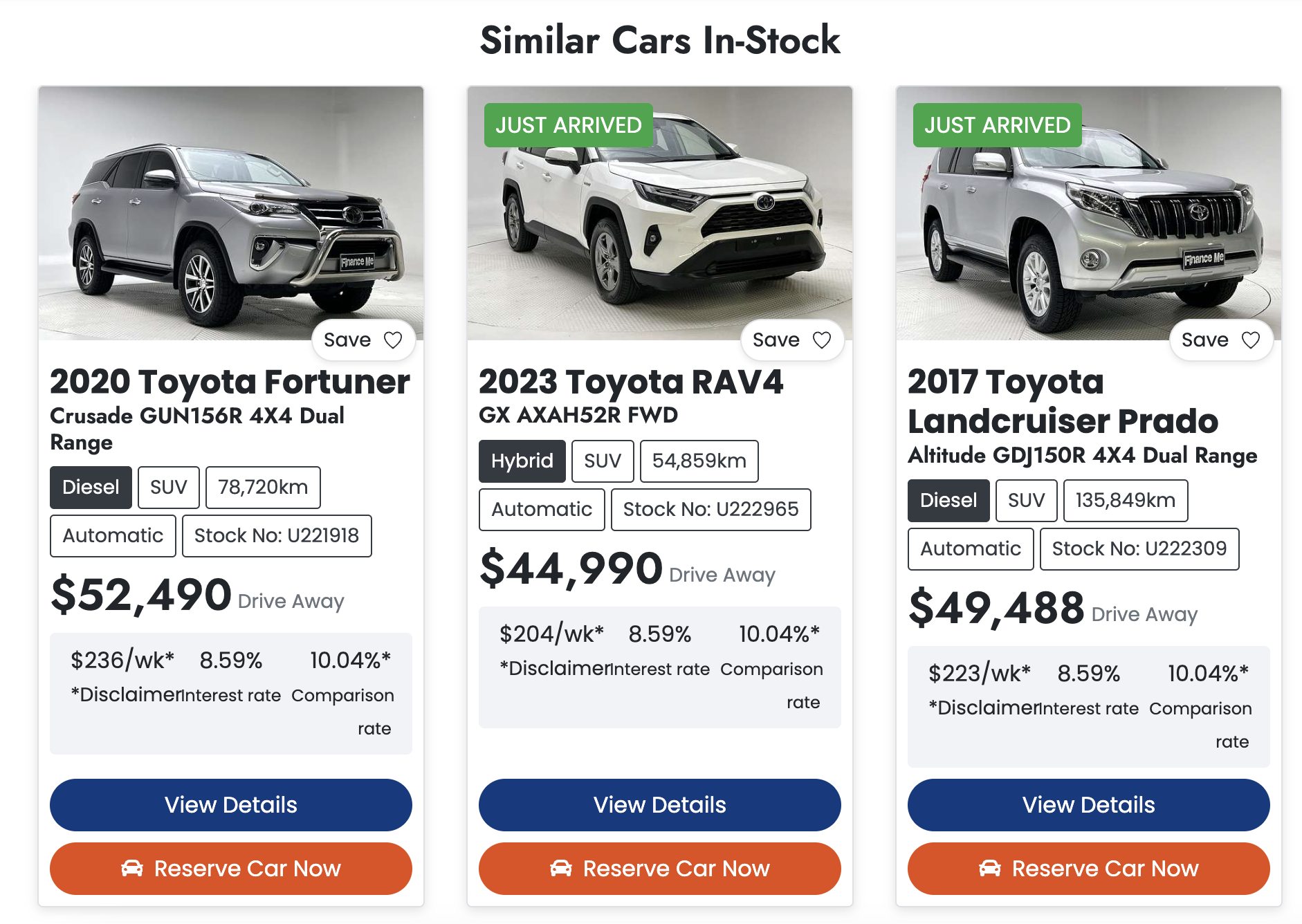
Dealer Studio’s Similar Cars feature recommends vehicles by comparing the current car against other eligible cars on the same website, then ranking them by a similarity score.
The process is:
Build the candidate pool
Only cars valid for that specific website are considered. This applies website stock and visibility rules first (for example, cars must be available for website display). The current car is always excluded from matching.Score each candidate
Each candidate receives points based on key attributes:
- Same make: +1.5
- Same model: +1.5
- Same body type: +1.0
- Price within plus/minus $5,000: +1.0
- Price within plus/minus $10,000: +0.5
- Price within plus/minus $20,000: +0.25
Higher total score means a closer match.
- Rank and return results
Cars are sorted from highest to lowest score and up to 10 similar car IDs are returned. Some channels (such as email and AI follow-up prompts) then use a smaller subset, typically the top 3.
Please note, that the results are heavily cached for performance reasons, so sometimes when new cars are loaded into inventory, it may take a few hours for the car to show up under the "similar cars"
Was this article helpful?
That’s Great!
Thank you for your feedback
Sorry! We couldn't be helpful
Thank you for your feedback
Feedback sent
We appreciate your effort and will try to fix the article