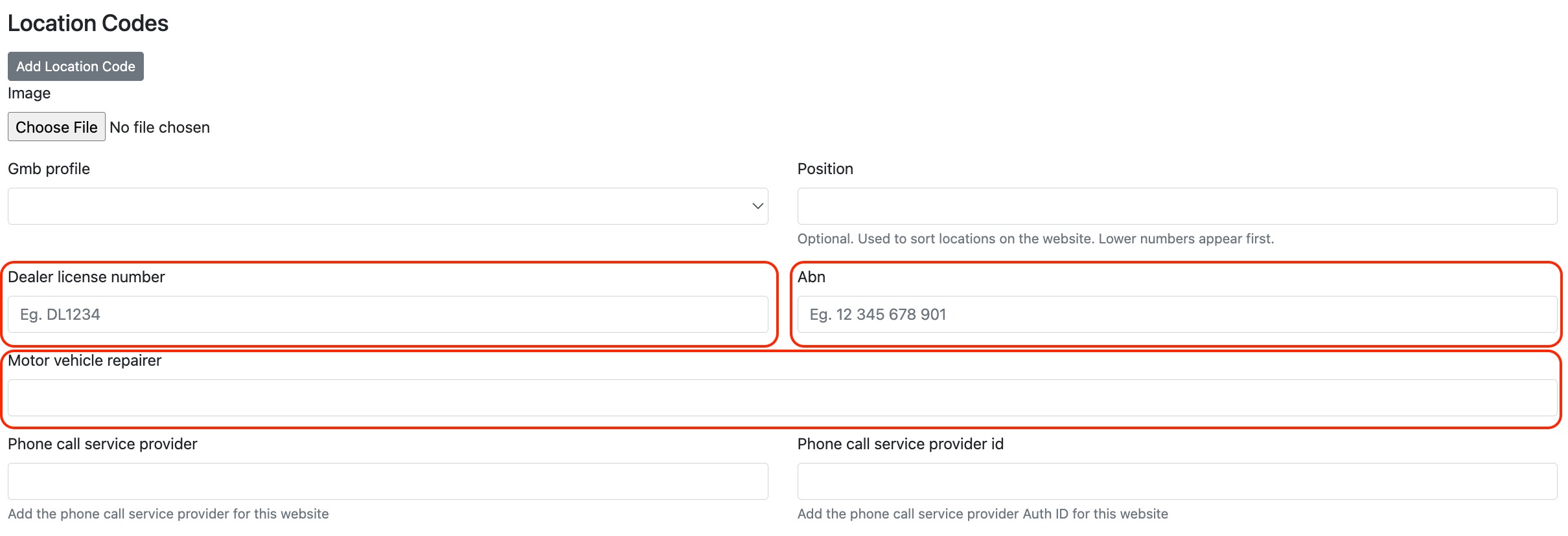
You can add your Australian Business Number (ABN), Motor Vehicle Repairer Licence (MVRL) or Motor Dealer Licence (MD/DL) directly within your Location settings.
The process is the same for all — just enter the number into it's respective field.
From the dashboard, go to Settings
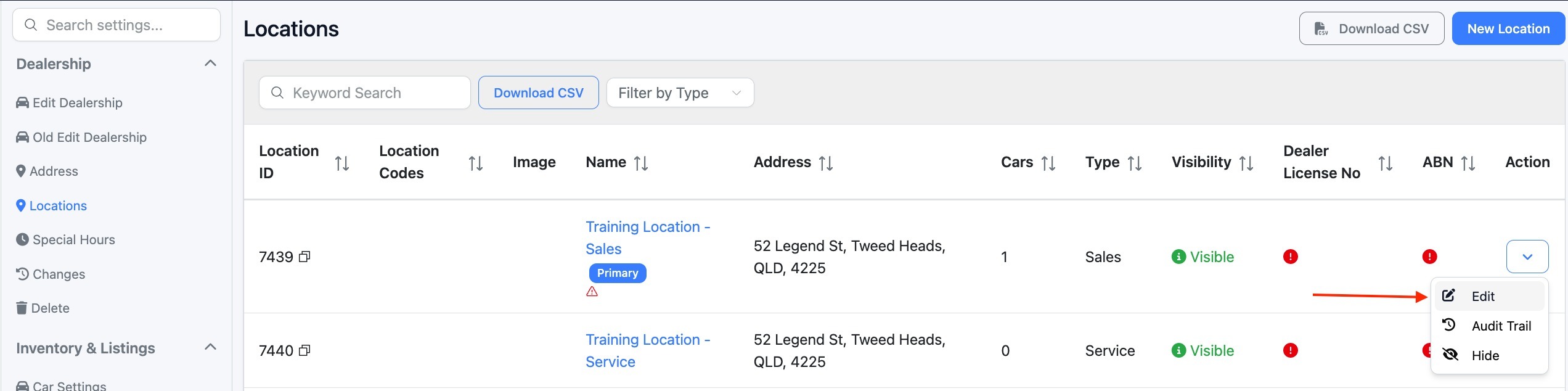
Click Locations
Select the relevant location
Click Edit
Enter the licence number into it's respective field.
Click Save
Your MVRL is now stored against that location.
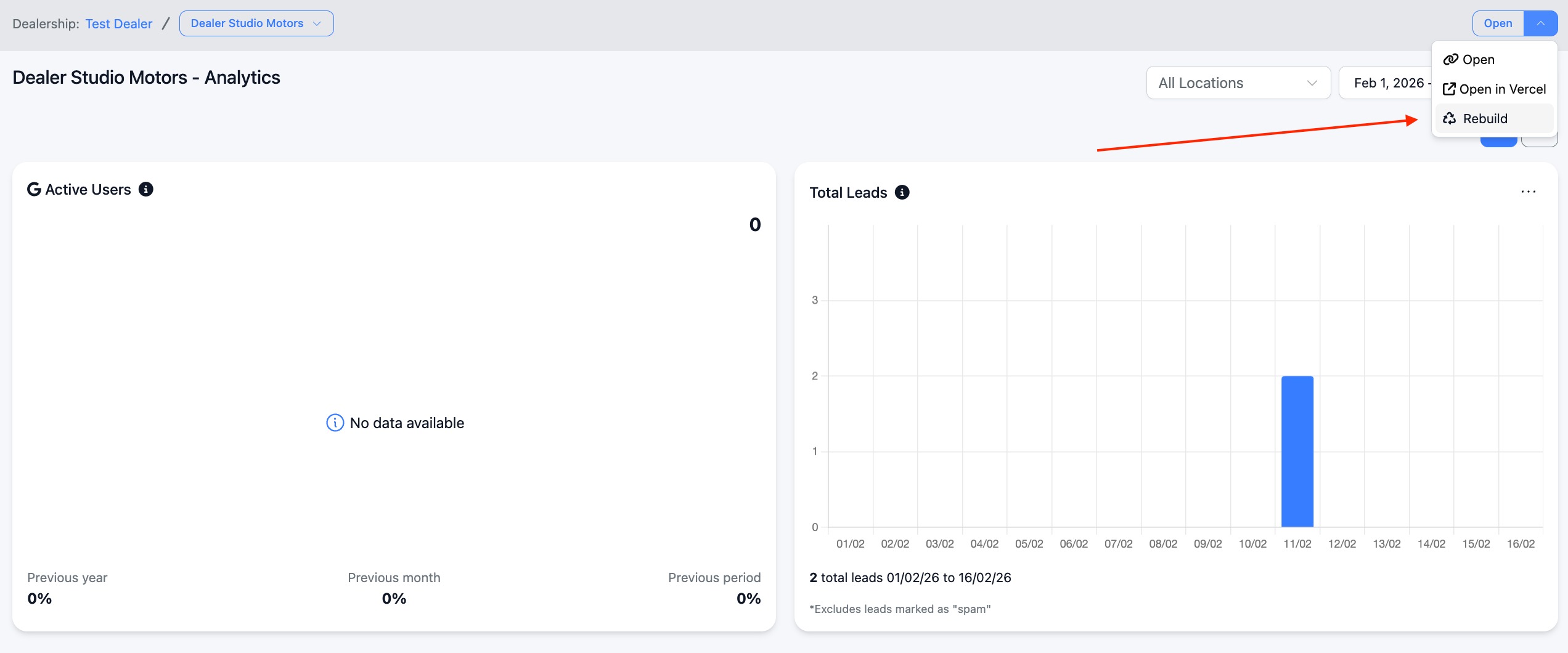
In order for this to go live on your website, it just needs a rebuild.
Was this article helpful?
That’s Great!
Thank you for your feedback
Sorry! We couldn't be helpful
Thank you for your feedback
Feedback sent
We appreciate your effort and will try to fix the article