This article walks you through how to add a new user to your dealership dashboard and manage their permissions effectively.
Important: You must have Manager permissions to add or edit users. Please ask a manager on your team to make changes if you don’t have permission.
Follow the steps below to invite a new team member to your dashboard.
#Step 1. Navigate to New User
From your dashboard, go to:
Team > New User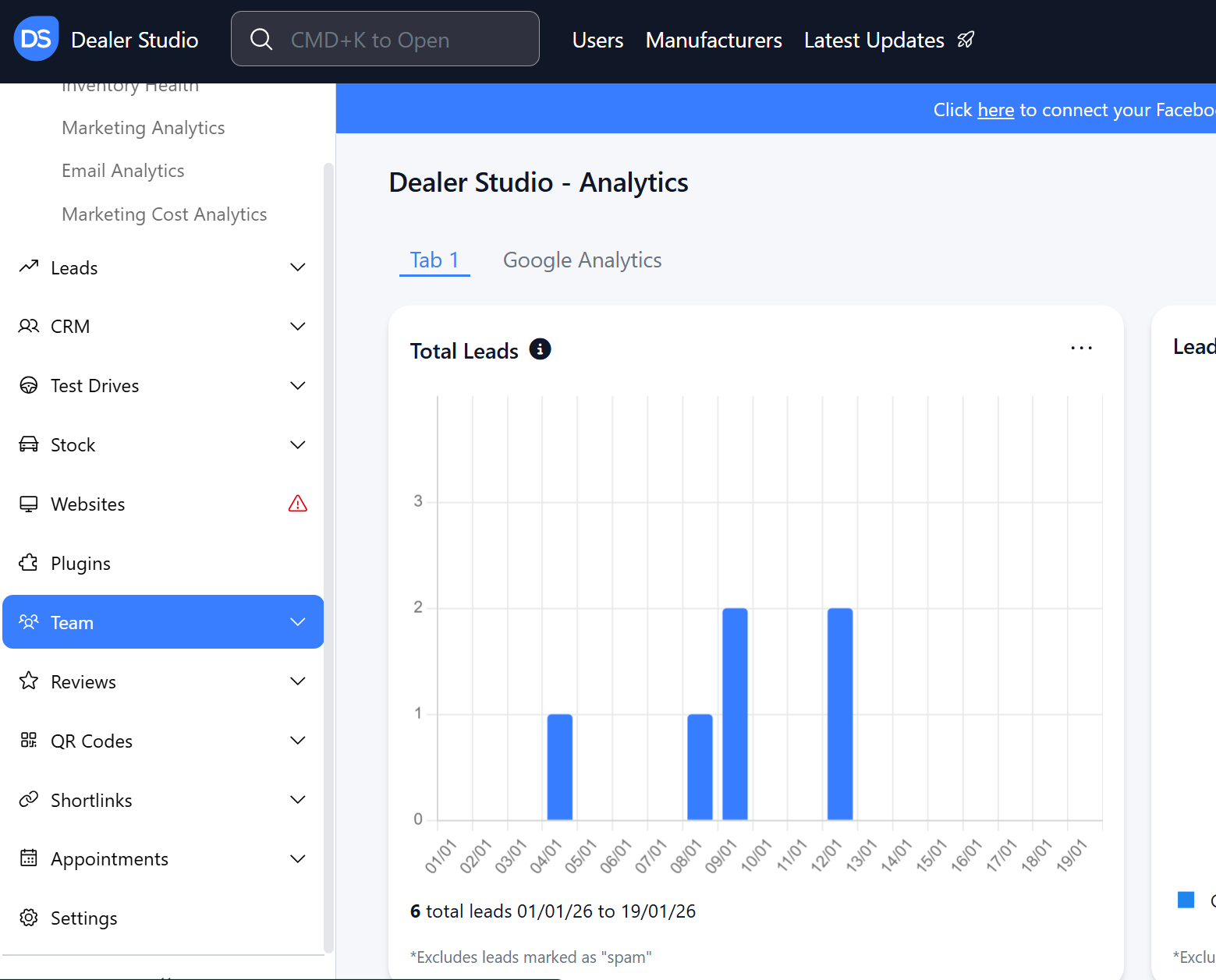
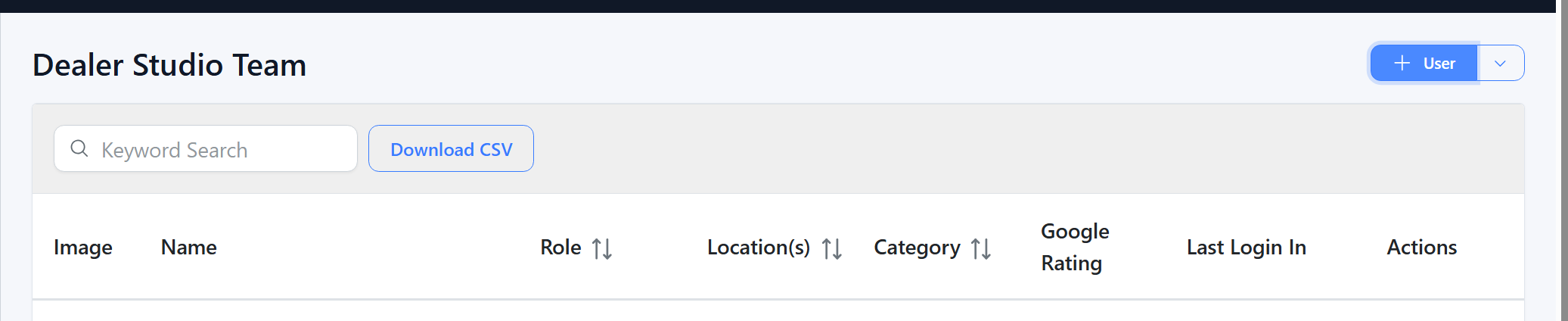
#Step 2. Enter User Details
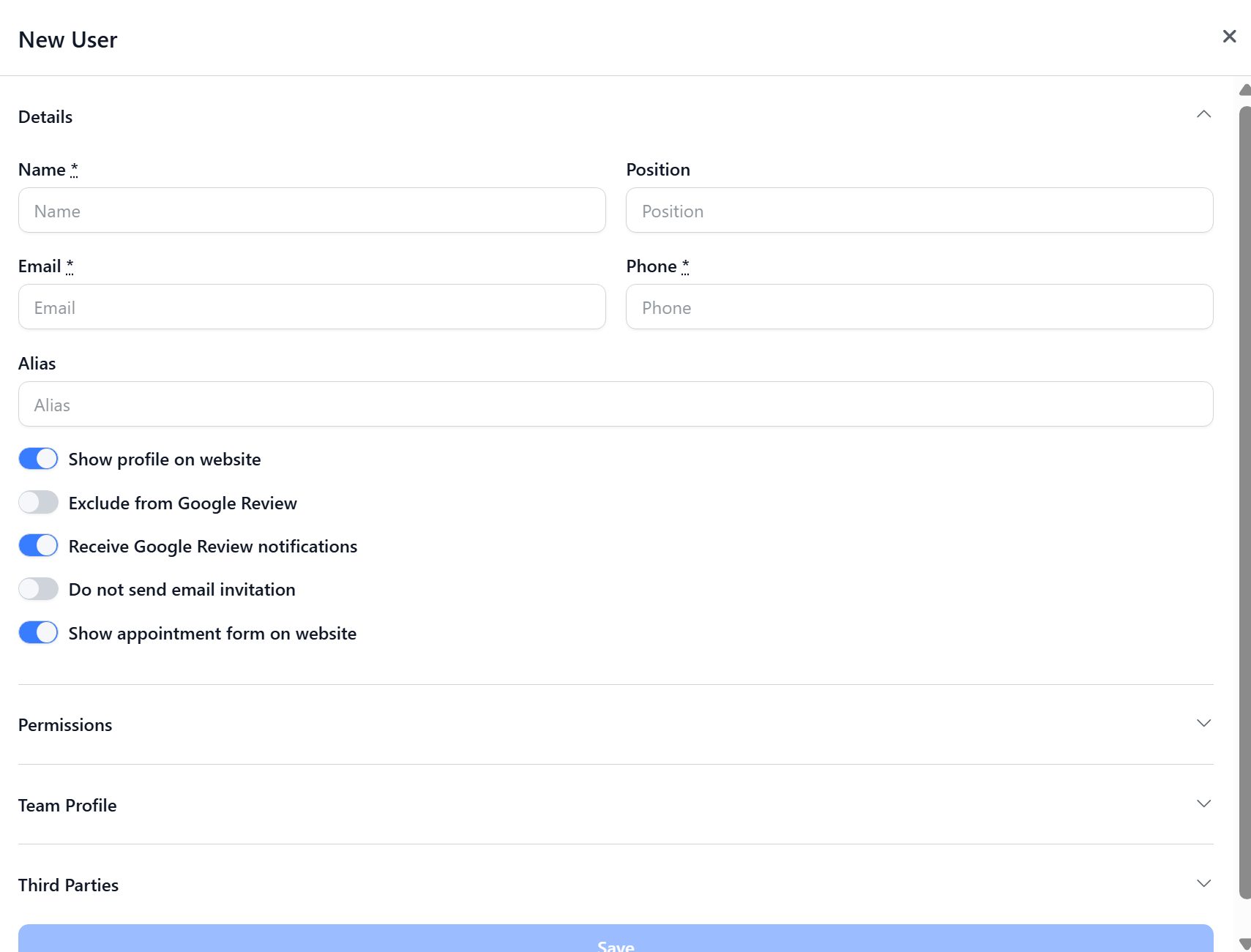
Fill in the required fields:
Name
Email
Phone Number
Why is the phone number required?
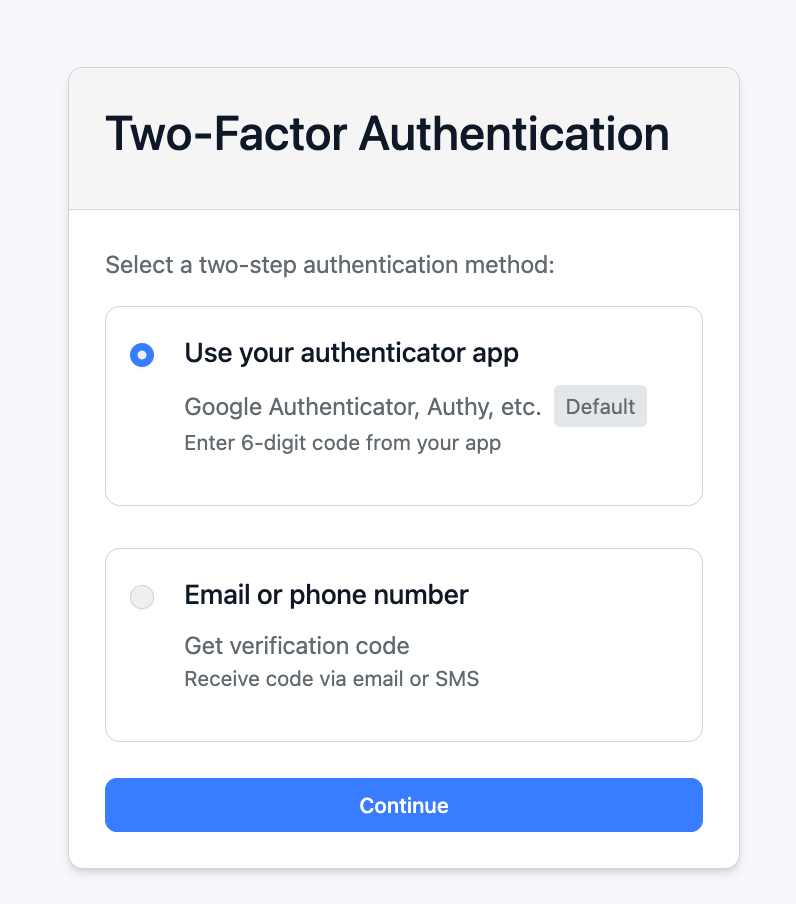
The phone number is used for two-factor authentication (2FA). If the user chooses email or SMS as their verification method, a one-time security code will be sent to this phone number to help protect their account.
⚠️ Important step: For more guide, please refer to our article: Set up two-factor authentication (2FA)
Alias (Optional)
Use the Alias field if you have multiple team members with the same name who will receive reviews. This helps our automatic matching system correctly identify each user.
Example:
If you have two users named Matthew, one could use “Matt” and the other “Matthew” as their alias.
#Step 3. Assign Permissions and Locations
Choose the appropriate permissions and locations for the user.
Default Permissions
Best suited for staff who manage leads and vehicle stock.Manager Permissions
Ideal for senior staff or marketing managers who need access to website updates, location settings, stock rules, and more.
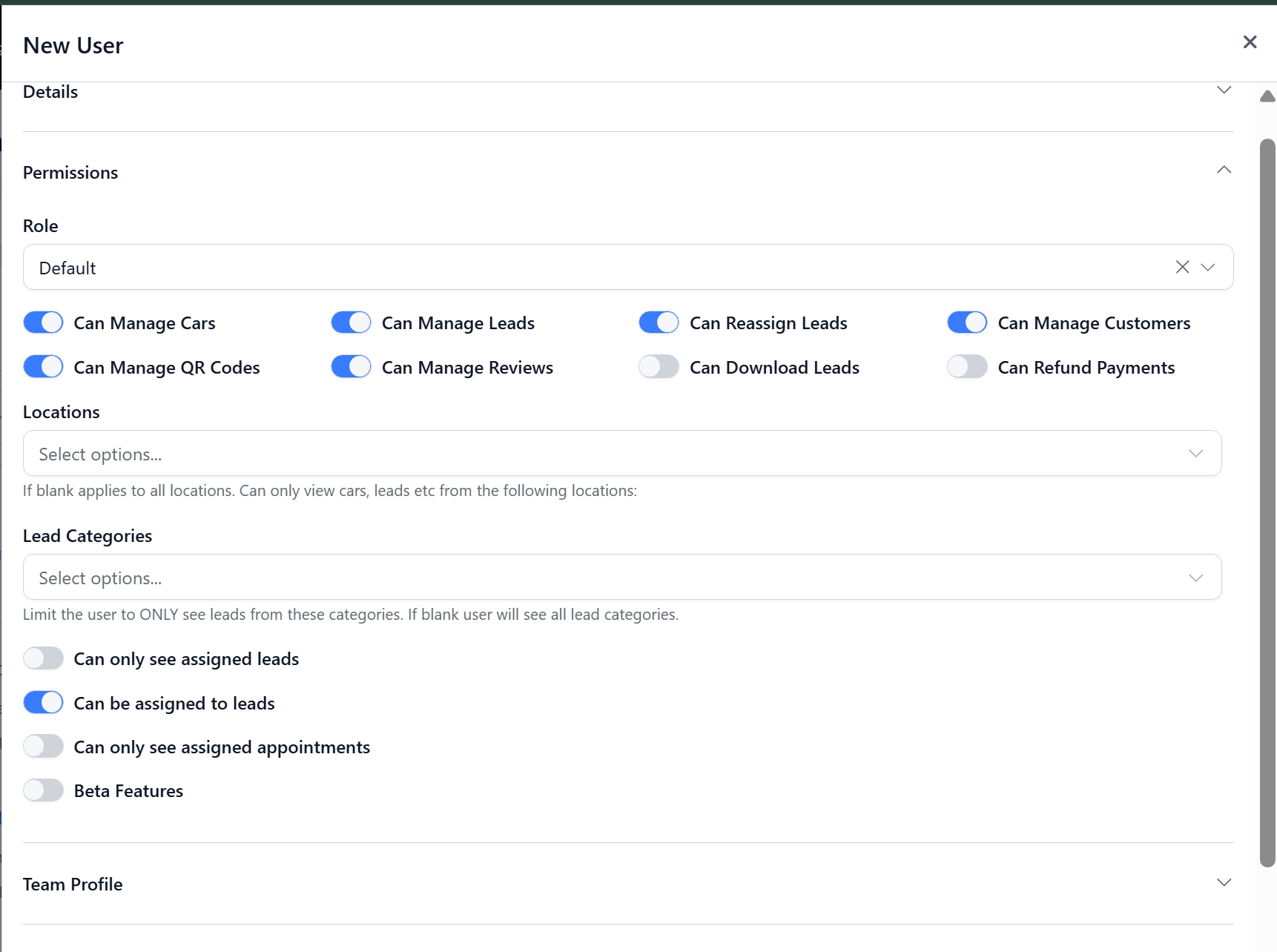
To further tailor what the user can see and access, adjust:
Permission toggles
Assigned locations
Lead categories relevant to their role
#Step 4. Configure the Team Profile
The Team Profile section controls what information appears on your website’s team page for this user.
#Step 5. Save and Invite
Click Save to complete the setup.
Once saved, the user will receive an email invitation to set up their profile. After completing their setup, they’ll have access to the dashboard based on the permissions you assigned.
Was this article helpful?
That’s Great!
Thank you for your feedback
Sorry! We couldn't be helpful
Thank you for your feedback
Feedback sent
We appreciate your effort and will try to fix the article