Redirects let dealers send visitors from an old or wrong URL to the right page. That keeps old links working and avoids broken pages after a site change. They set a source path and a destination path in the dashboard; the website then sends anyone hitting the source to the destination:/privacy → /privacy-policy
1. What this page is
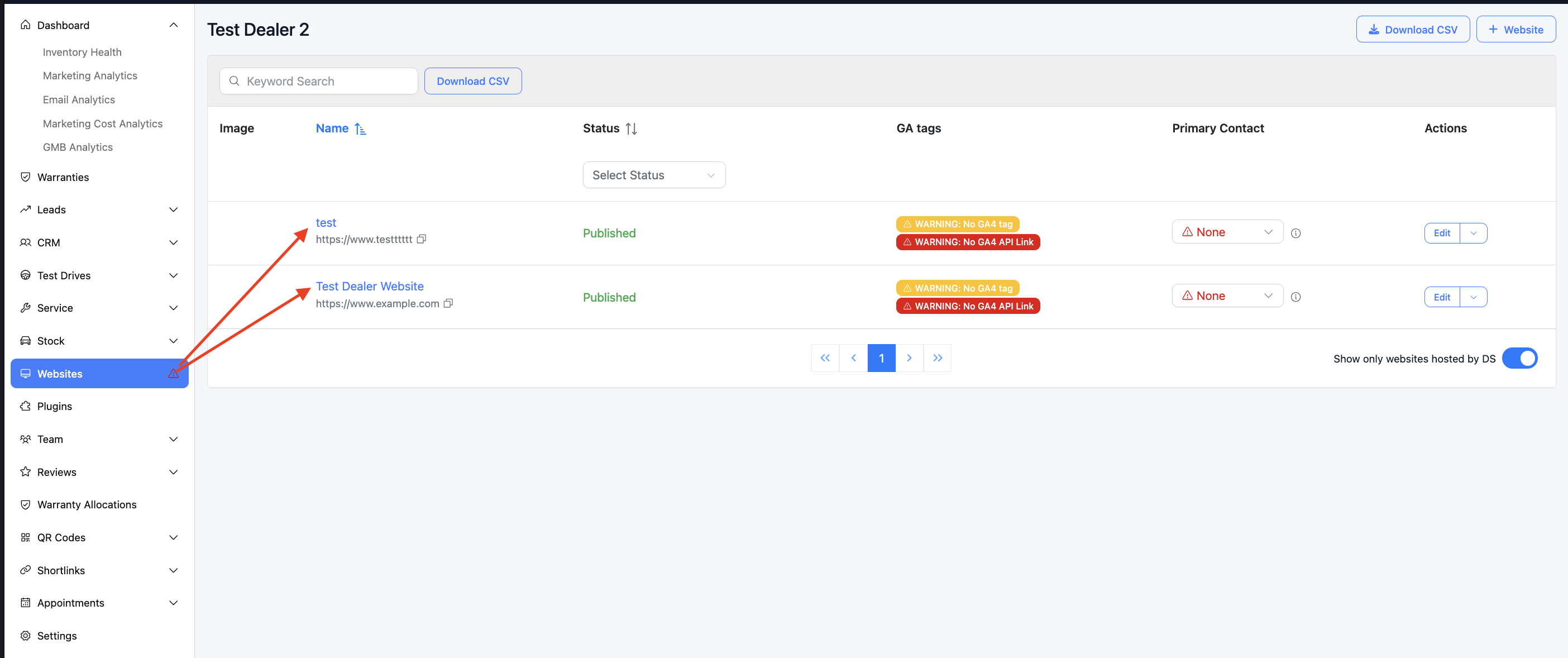
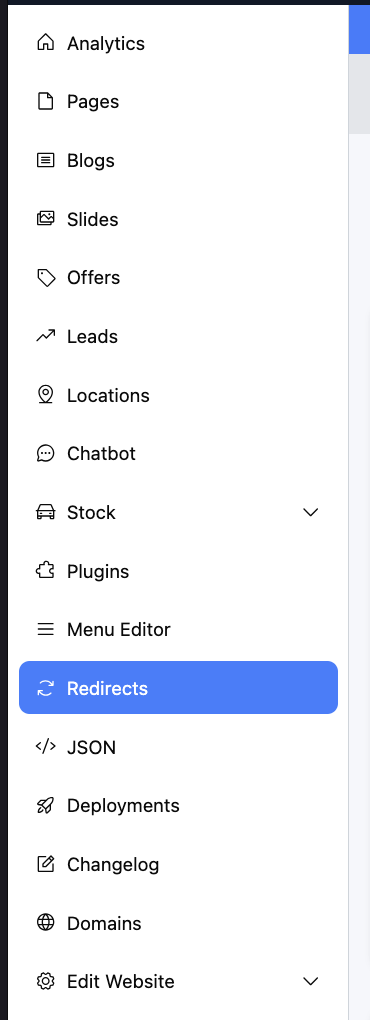
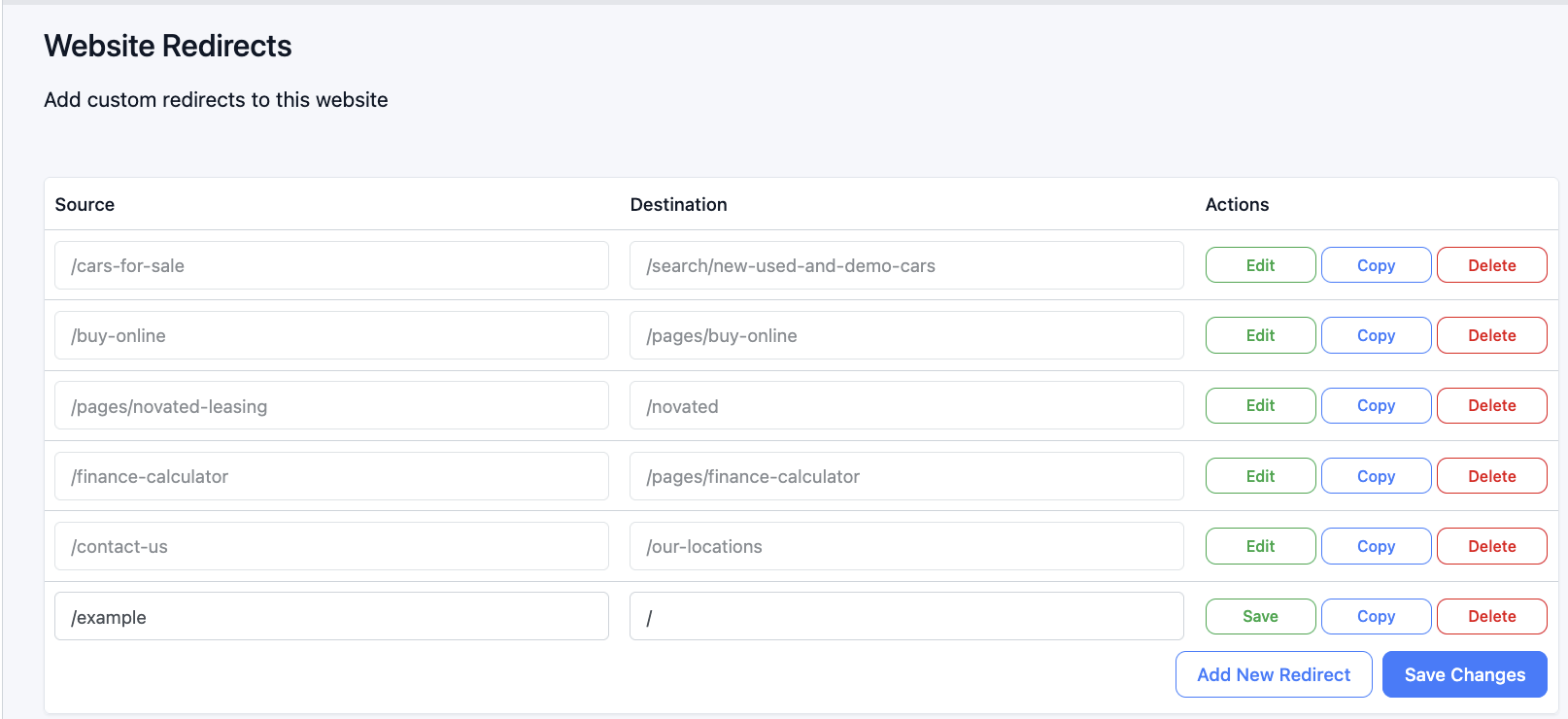
2. What you see
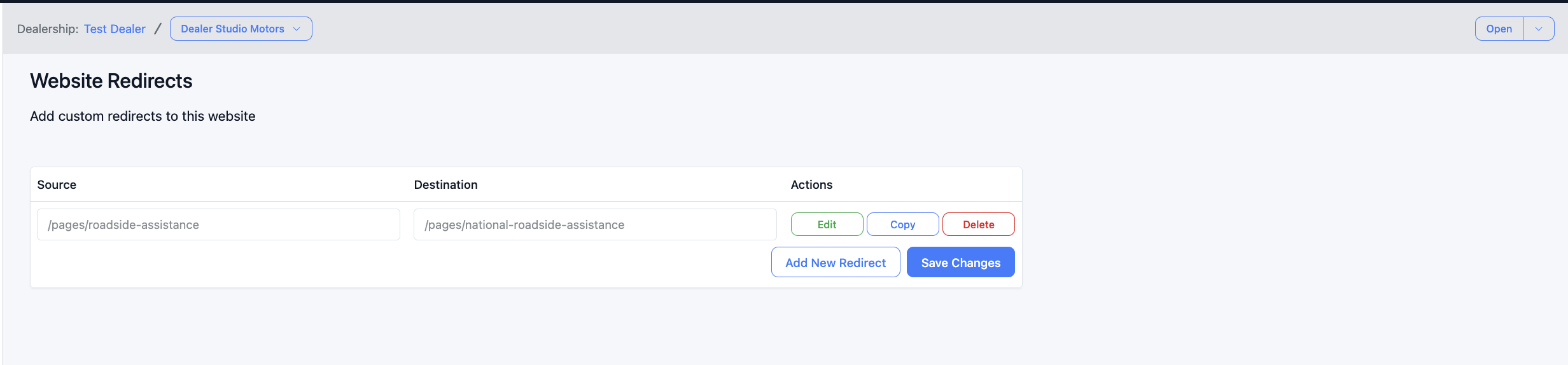
- A short intro: “Add custom redirects to this website”.
- A table of redirects with three columns:
- Source – the path or URL that visitors will be redirected from.
- Destination – the path or URL they will be redirected to.
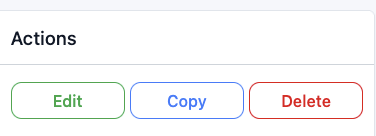
- Actions – Edit, Copy, Delete, and Save for each row.
3. Typical workflow
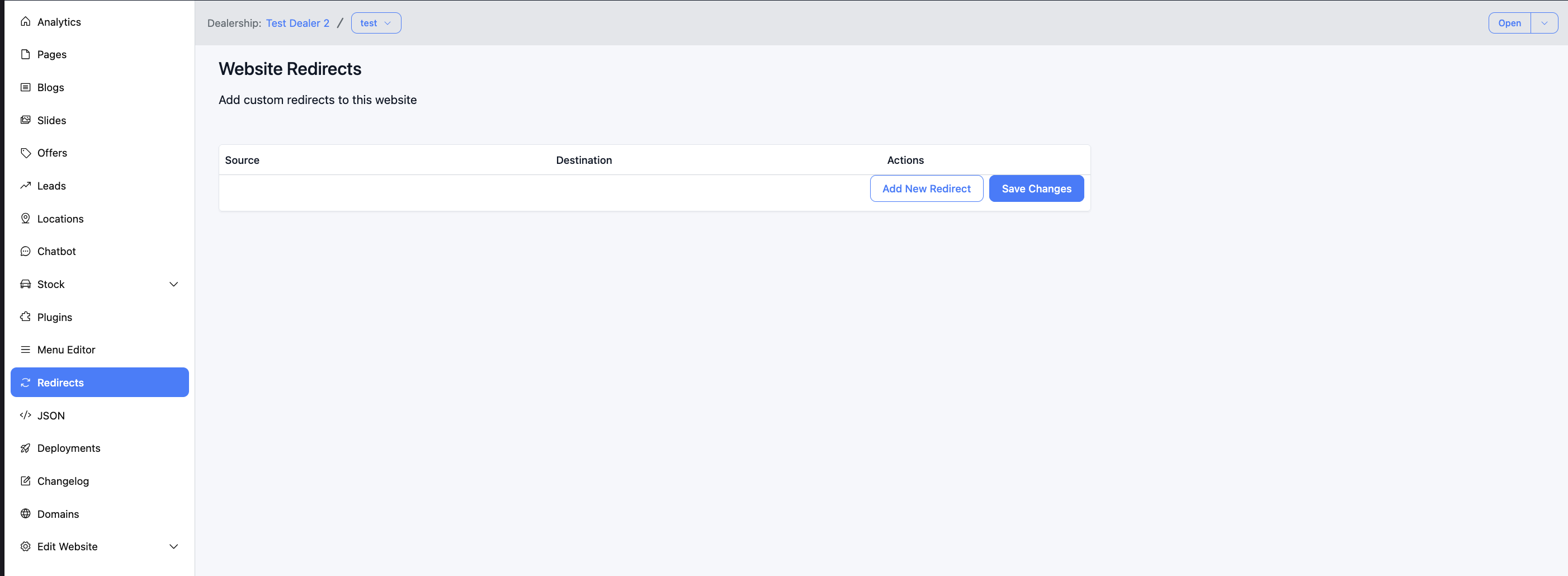
- Click Add New Redirect (or Edit on an existing row).
- Enter the Source (e.g. /old-url or /legacy-page).
- Enter the Destination (e.g. /new-url or https://external-site.com/page).
- Use Copy if you need several similar redirects, then adjust each row.
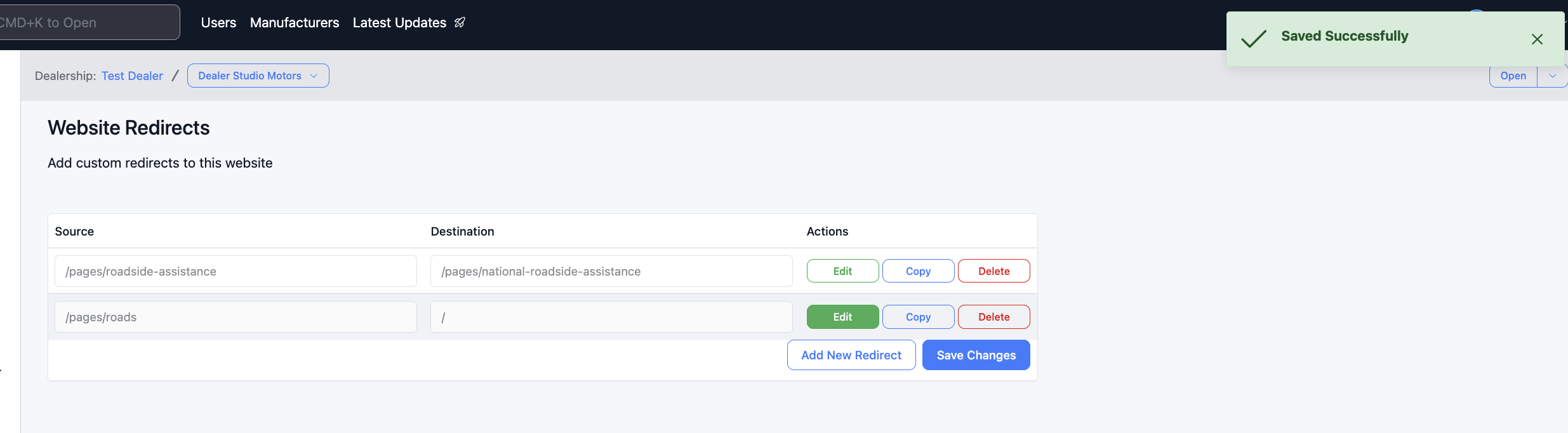
- Click Save (on a row or the main Save button).
- Wait for the success message.
Below is an example from one of our sites:
4. Source and destination rules
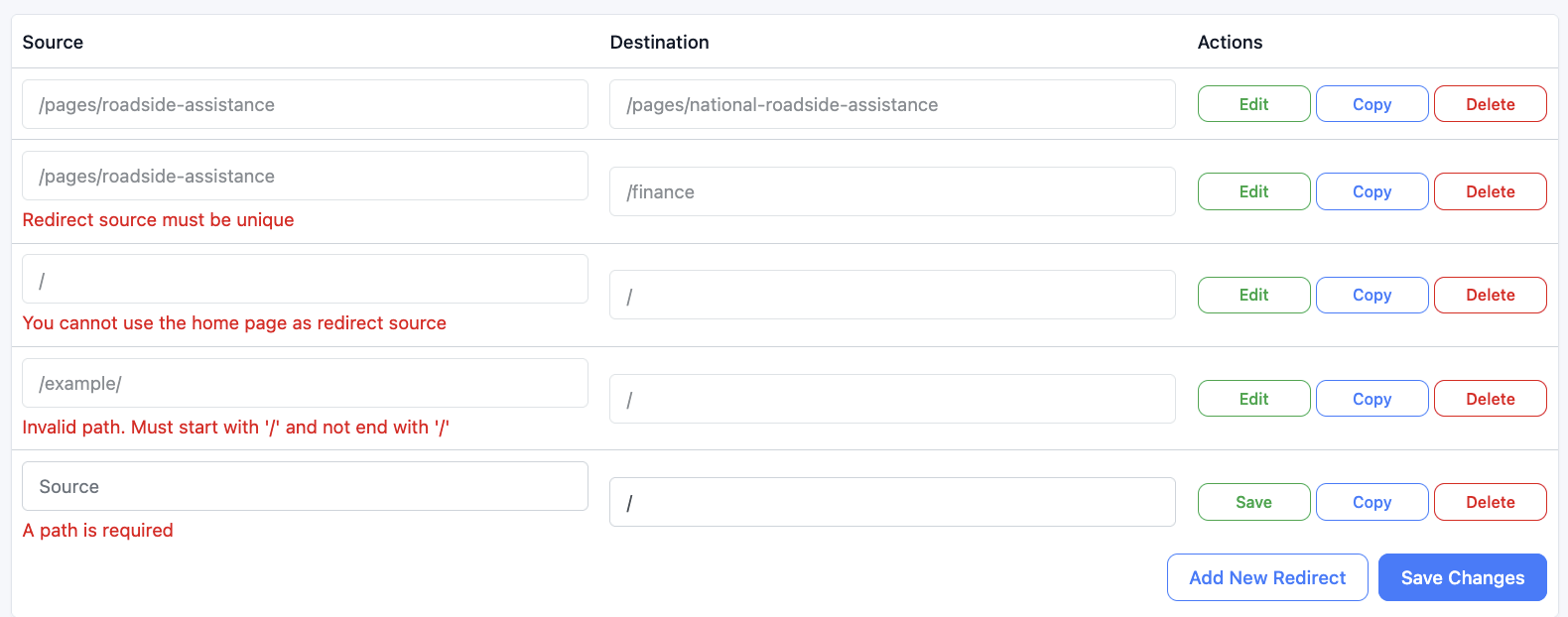
- Must be unique – each source can only appear once.
- Cannot be the home page (/).
- Must start with / (e.g. /old-page, /cars/toyota).
- Must not end with / (use /page not /page/).
- Can use wildcards for dynamic paths (e.g. /cars/:slug+ to match one or more segments). Support for this may depend on your site setup.
- Local path: Must start with / and not end with / (e.g. /new-page, /search/holden).
- External URL: A full address starting with https:// (e.g. https://example.com/page) is allowed.
5. Table actions (per row)
6. Main buttons (below the table)

7. Tips
- Keep sources unique – duplicate sources are not allowed and will show a validation error.
- Use Copy for similar redirects – faster than re-typing when only one part changes.
- Test after saving – open the source URL on your live site (or a preview) to confirm it redirects to the destination.
- External destinations – use the full https://... URL when sending users to another website.
8. If something goes wrong
- “A path is required” – Source or Destination is empty; enter a value.
- “Invalid path. Must start with '/' and not end with '/'” – Use a path like /my-page, not my-page or /my-page/.
- “Redirect source must be unique” – Another row already uses that Source; change or remove the duplicate.
- “You cannot use the home page as redirect source” – You cannot redirect / from this screen; use another way to handle the homepage if needed.
- “Unable to save” / server error – Check your connection and try again. If it persists, contact support.
Was this article helpful?
That’s Great!
Thank you for your feedback
Sorry! We couldn't be helpful
Thank you for your feedback
Feedback sent
We appreciate your effort and will try to fix the article