This guide will walk you through the process of creating special offers for your website. Special offers are a powerful way to attract customer attention, promote seasonal deals, highlight new stock, or showcase limited-time promotions.
Using the Page Editor, you can easily create, customise, and publish offers that include images, text, pricing details, and call-to-action links. Properly setting up offers ensures they are visually appealing, easy to navigate, and aligned with your marketing goals.
Follow the steps below to confidently add new offers, manage existing ones, and make updates that drive engagement and sales.
Finding the Offers Section
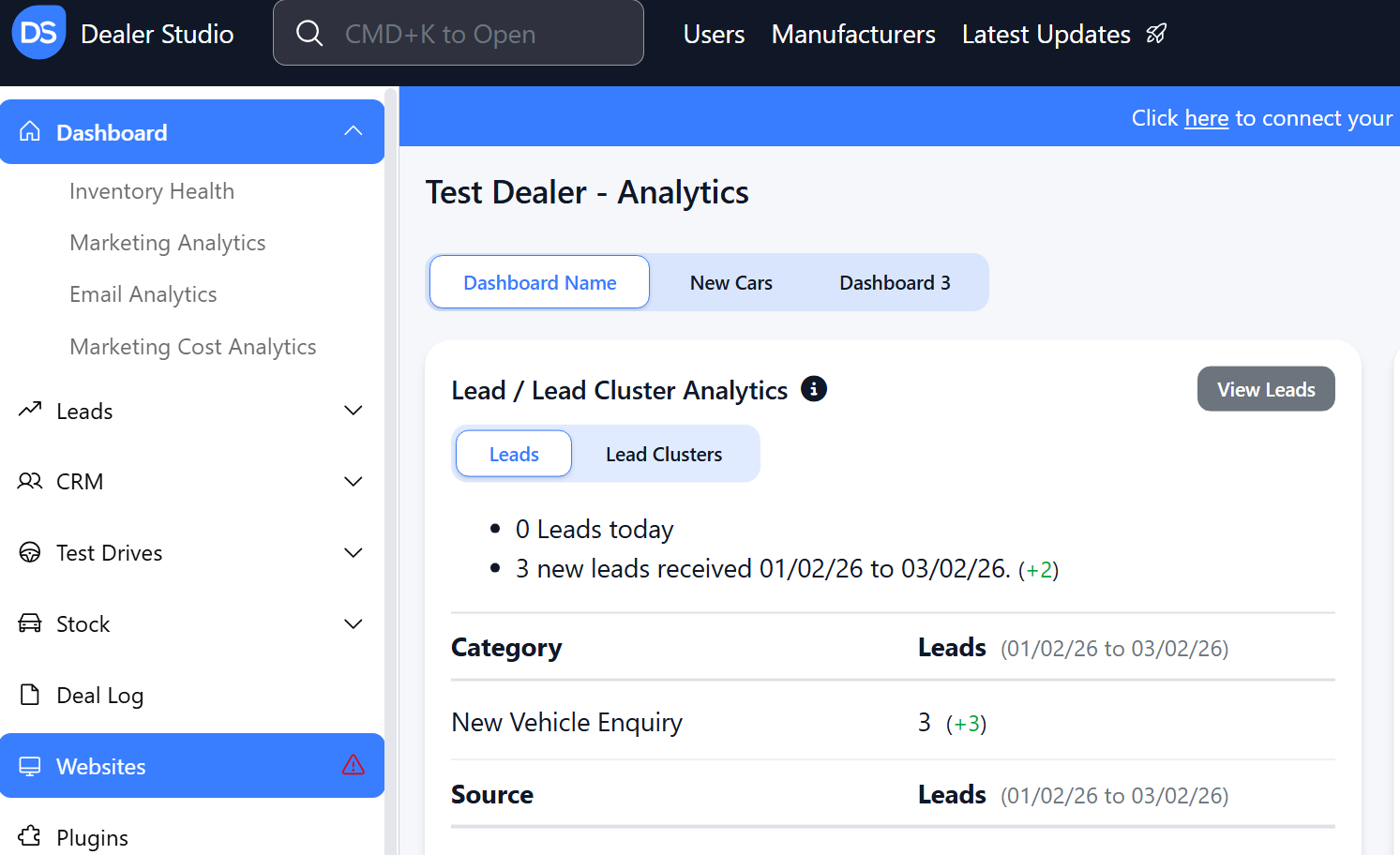
Step 1: On the Dealership Dashboard, select Websites
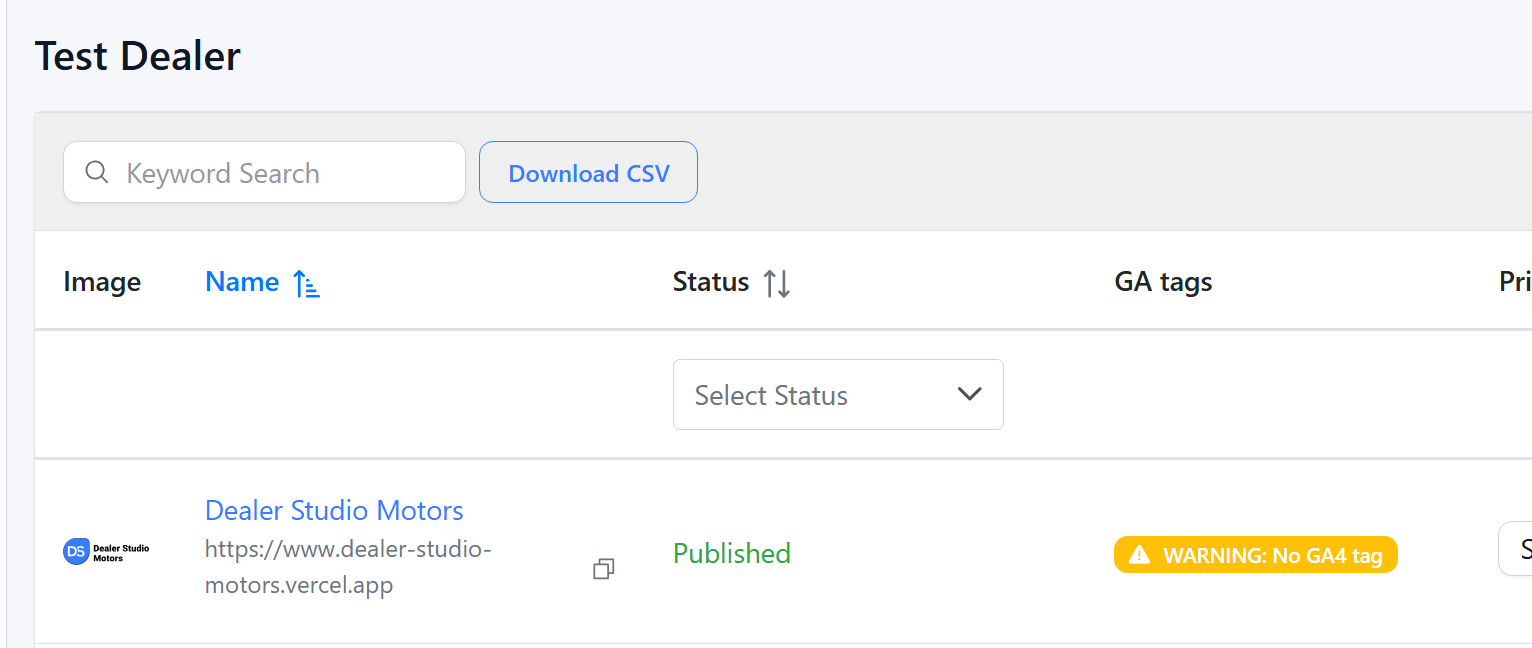
Step 2: Select the desired website to edit
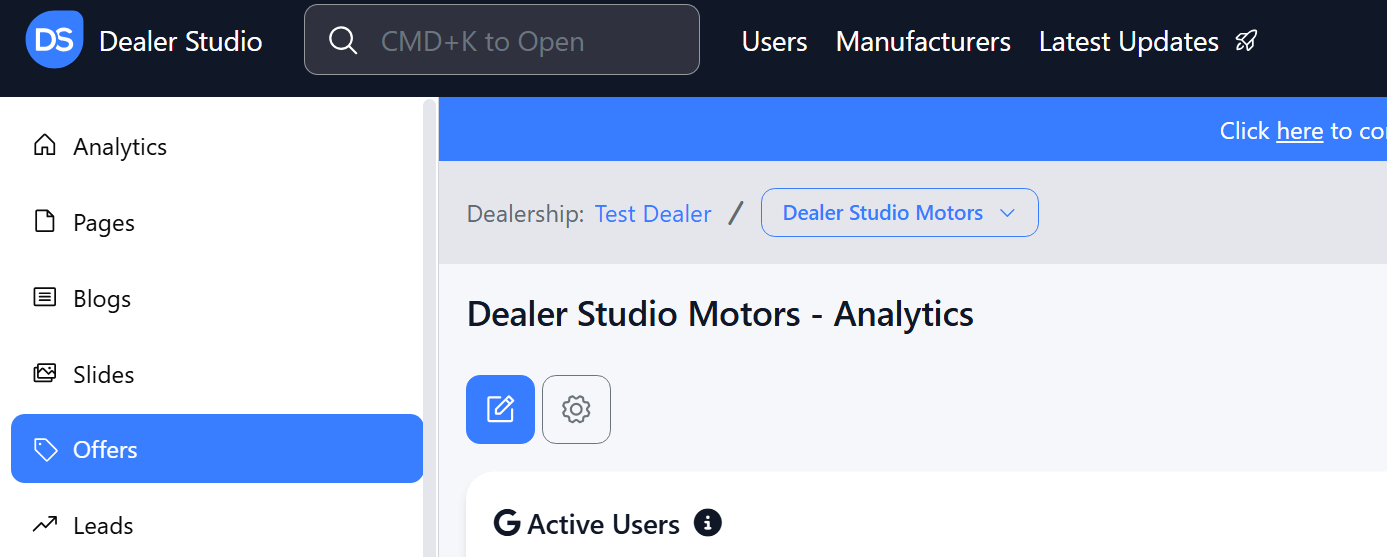
Step 3: Once on the Website Dashboard, select Offers
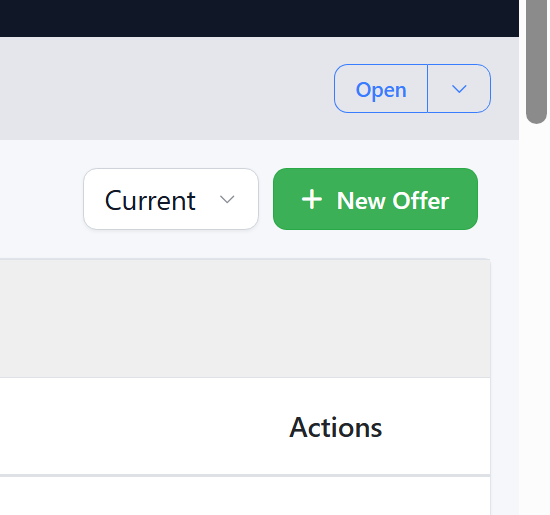
Step 4: Select the offer you want to edit or add a new offer in
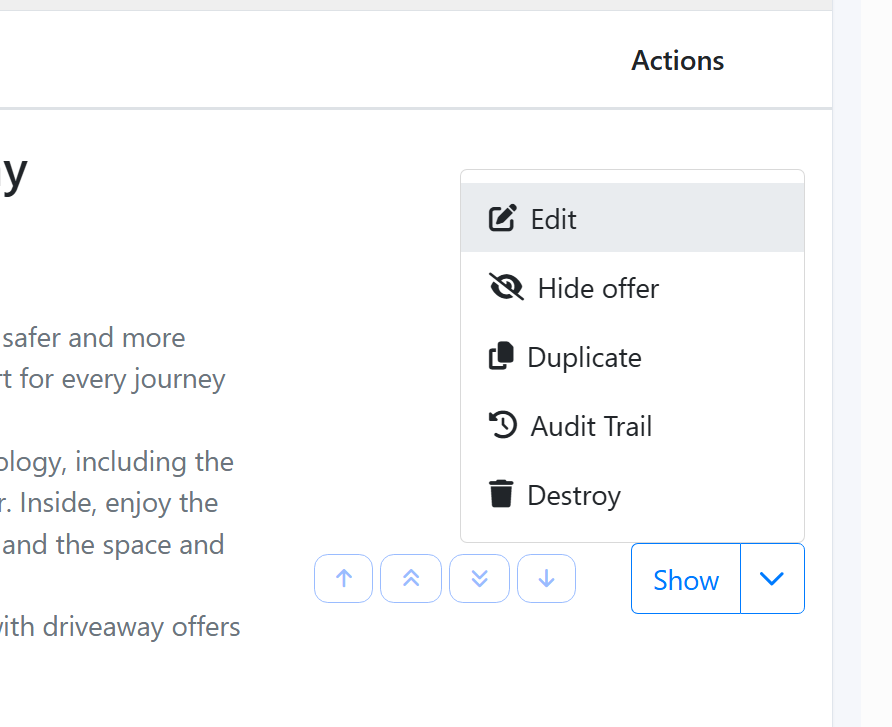
Adding and Editing Existing Offers on Your Website
Editing Existing Offer
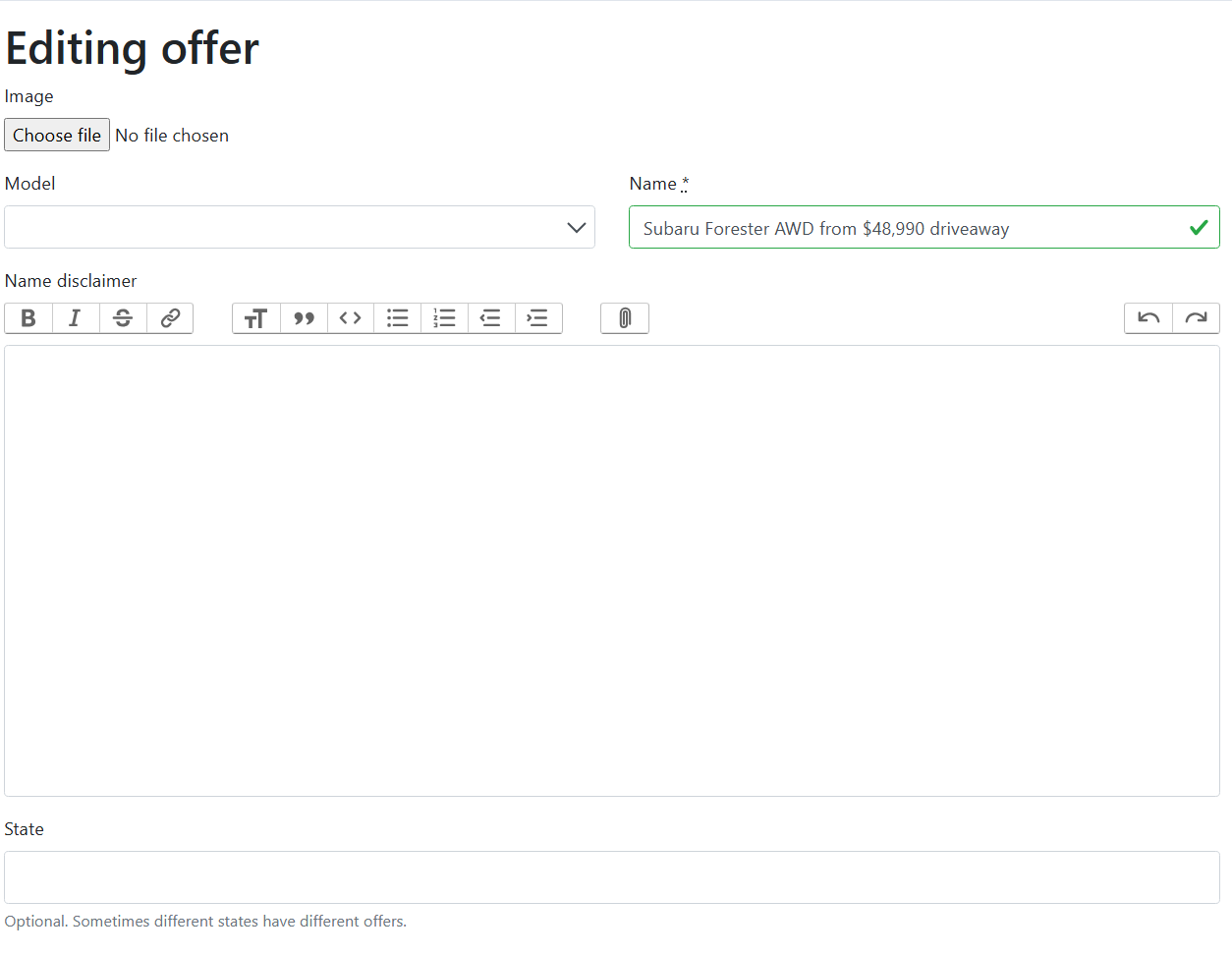
Firstly, please select the offer you would like to edit:
Offer Image: What you would like clients to see
Offer Name: '30k Giveaway', 'Free accessories'
Hypertext name: Optional but is a subheading
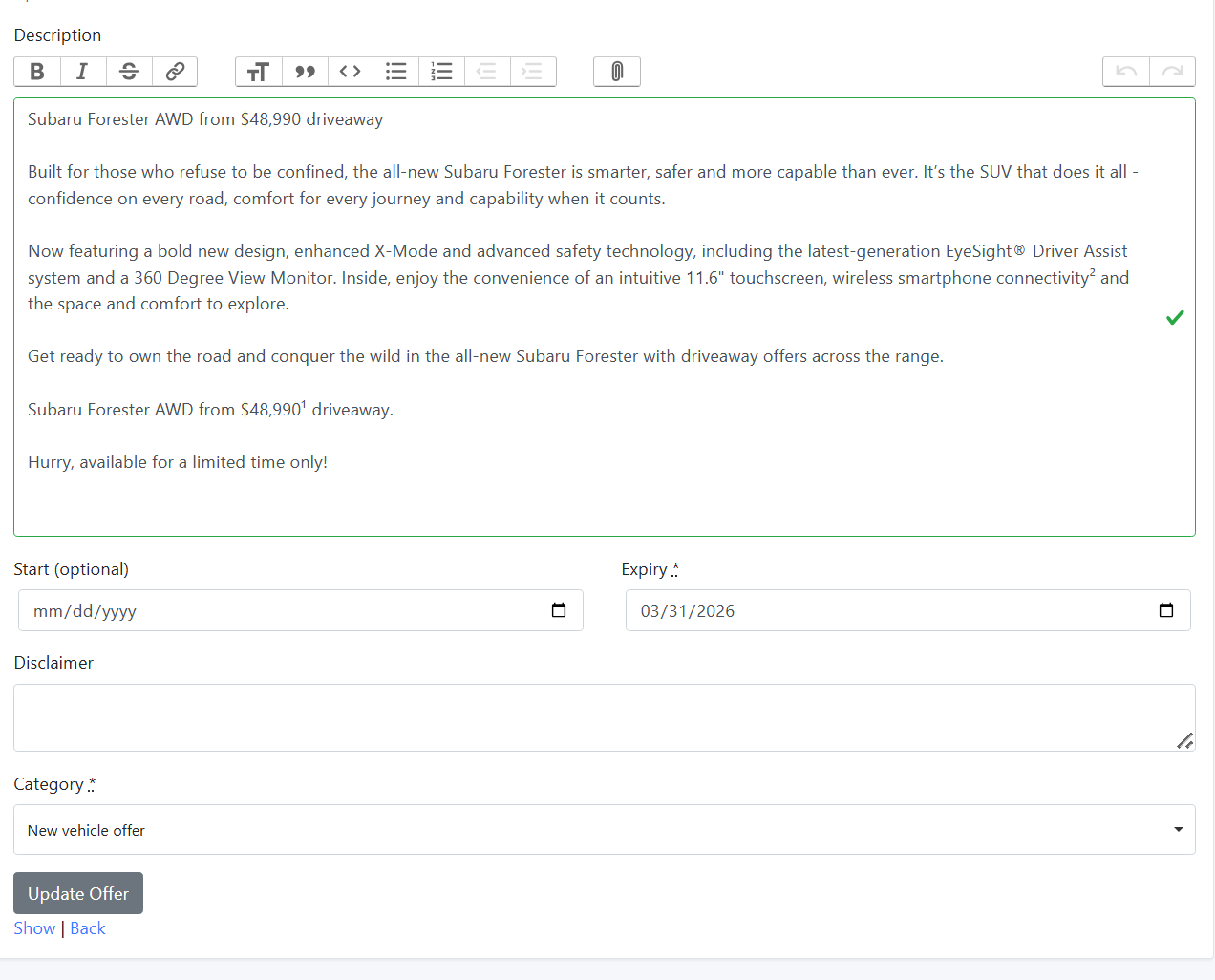
Description: What is your offer?
Start Date: When do you want it to go live
Expiry Date: When do you want it taken offline?
NOTE: These are Brisbane time, Midnight, so if it is go live 1st of Jan, it will go live 12:01am 1st Jan
Disclaimer: Terms and Conditions of the Offer
Category: What type of offer is it?
You may alter the fields as needed, then, click "Update Offer"
Adding a New Offer
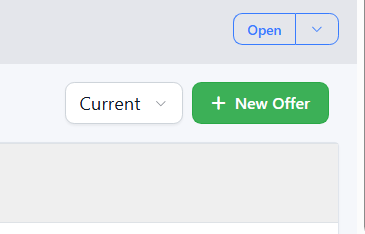
Select the '+ New Offer ' Button
Offer Image: What you would like clients to see
Offer Name: '30k Giveaway', 'Free accessories'
Hypertext name: Optional but is a subheading
Description: What is your offer?
Start Date: When do you want it to go live\nExpiry Date: When do you want it taken offline?\nNOTE: These are Brisbane time, Midnight, so if it is go live 1st of Jan, it will go live 12:01am 1st Jan
Disclaimer: Terms and Conditions of the Offer
Category: What type of offer is it?
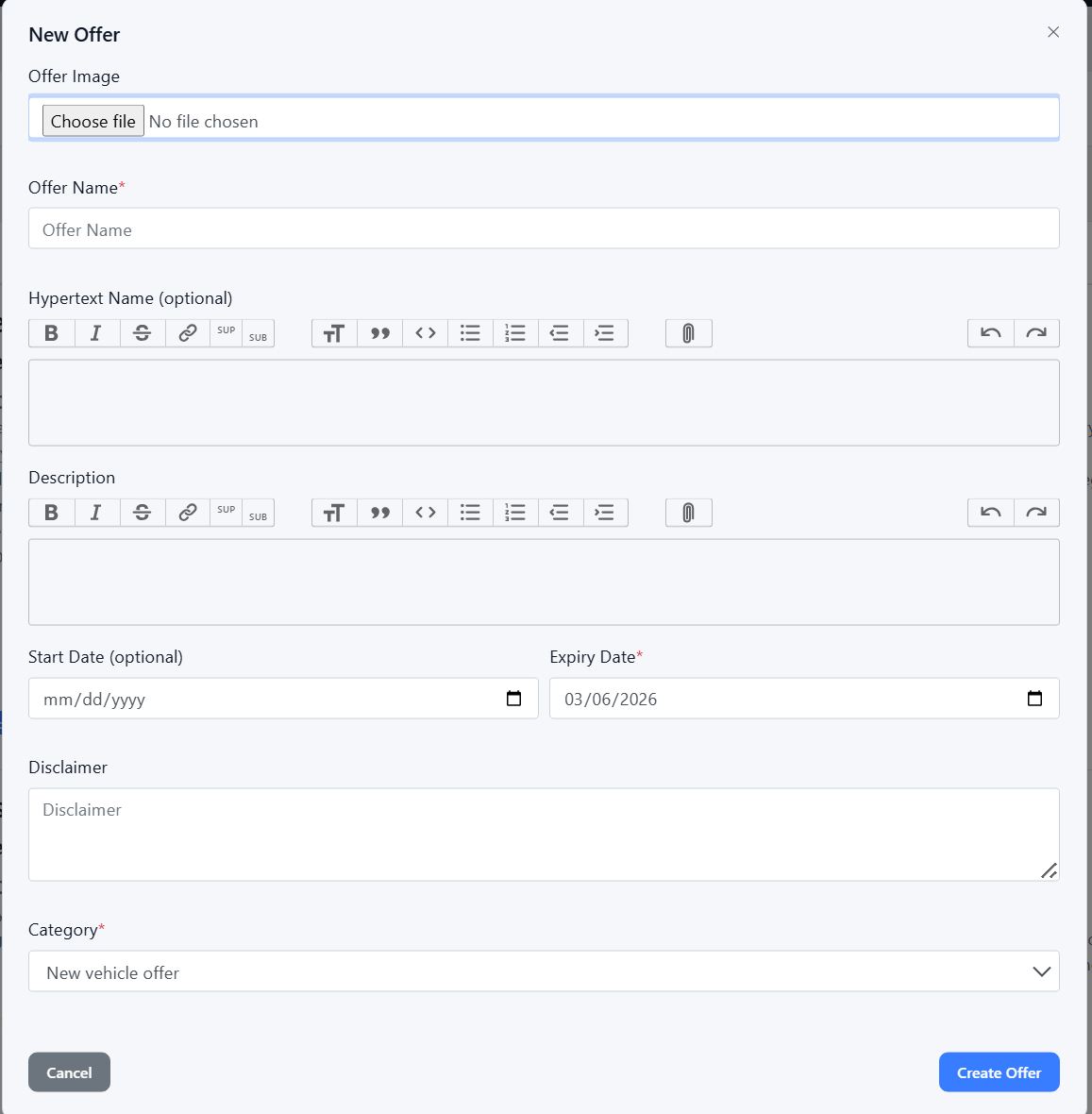
Then Click Create
Please see attached video for clarity:
Was this article helpful?
That’s Great!
Thank you for your feedback
Sorry! We couldn't be helpful
Thank you for your feedback
Feedback sent
We appreciate your effort and will try to fix the article