Navigate to the editor
Firstly, under the website you wish to add the page to, move to the Pages tab. 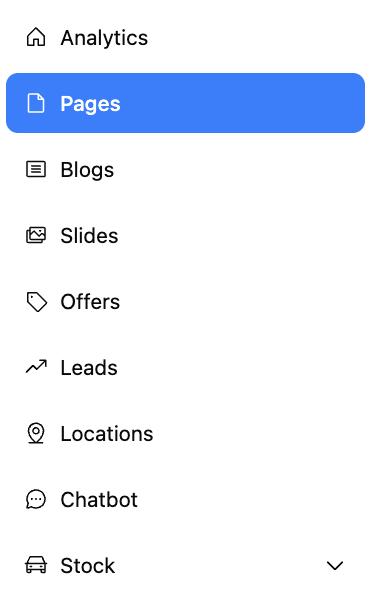
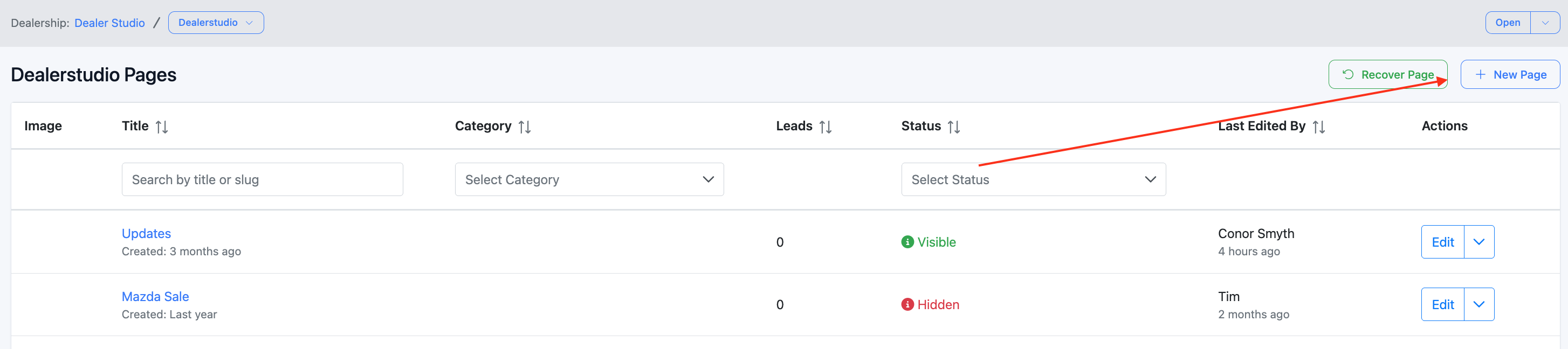
Next, press New Page in the top right.
Making your page
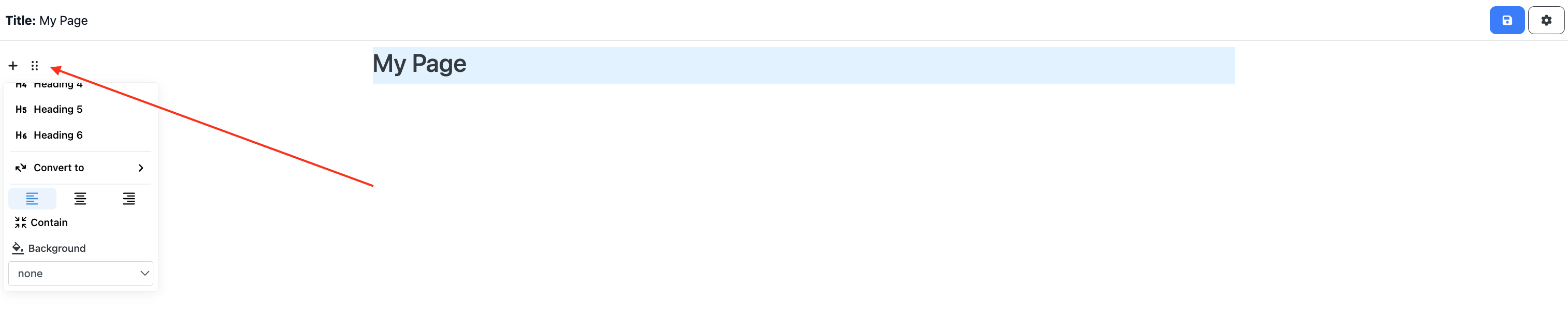
Inside the pages editor, there are a few navigation tools to assist with your creation.
To add new modules
Use the + button

To tune each module
Use the ⠿ button.
Generating a preview
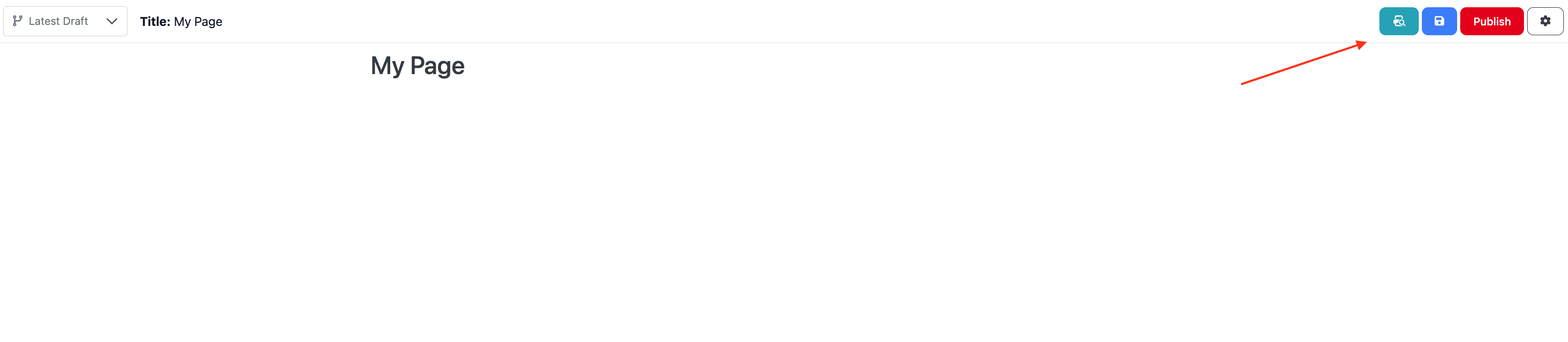
If you want to see what the page is going to look like before you publish it, press the blue ? button to save your latest changes, and then press the preview button.
Publishing the page
Once you have made all of your changes and the page is ready to be published, press the Publish button.

The live link can also be accessed on the left side of the header.
Was this article helpful?
That’s Great!
Thank you for your feedback
Sorry! We couldn't be helpful
Thank you for your feedback
Feedback sent
We appreciate your effort and will try to fix the article