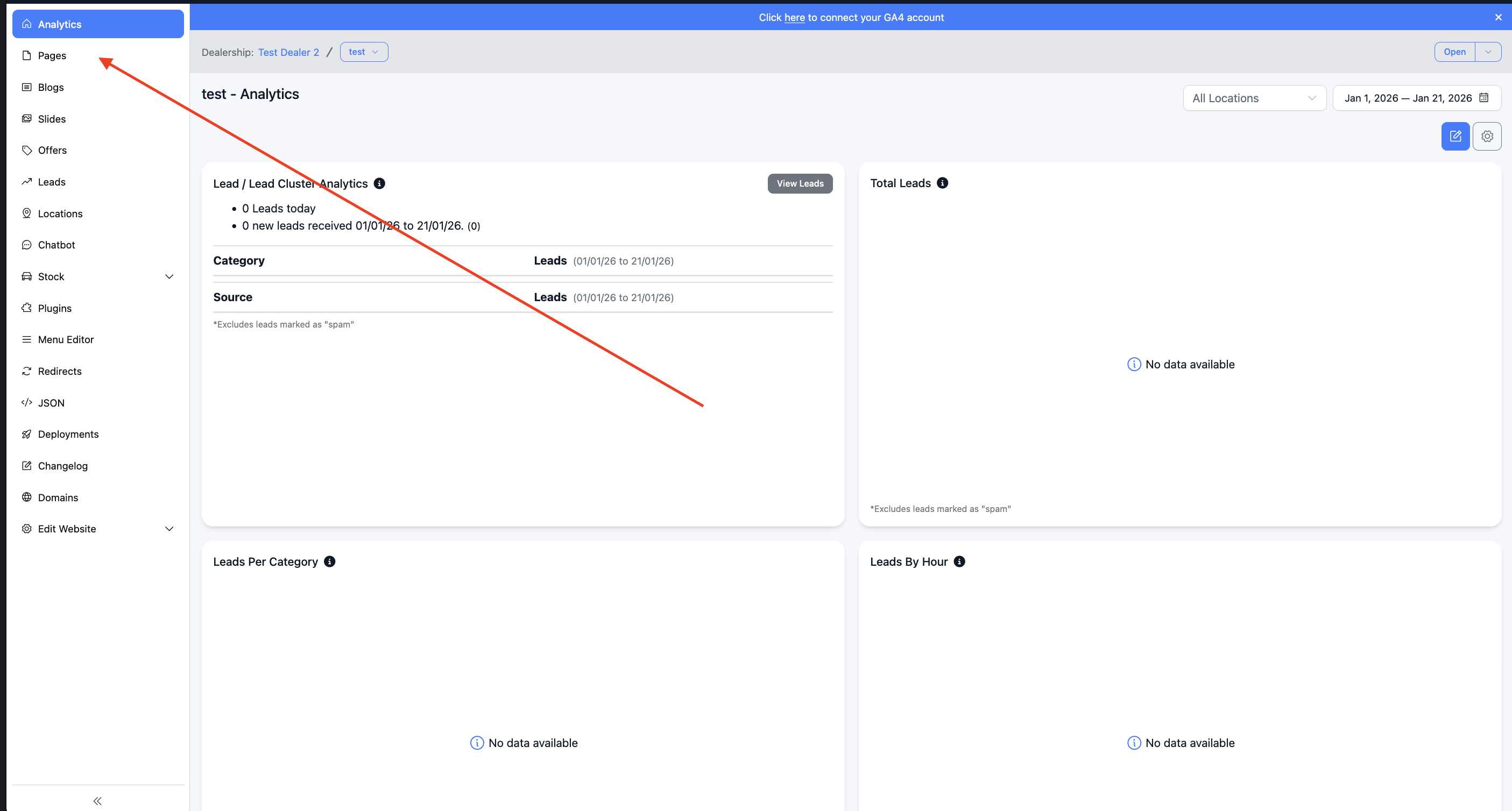
1. Go to the pages editor (this link won't work - just an example)
https://dashboard.dealerstudio.com.au/websites/NameOfYourDealership/pages
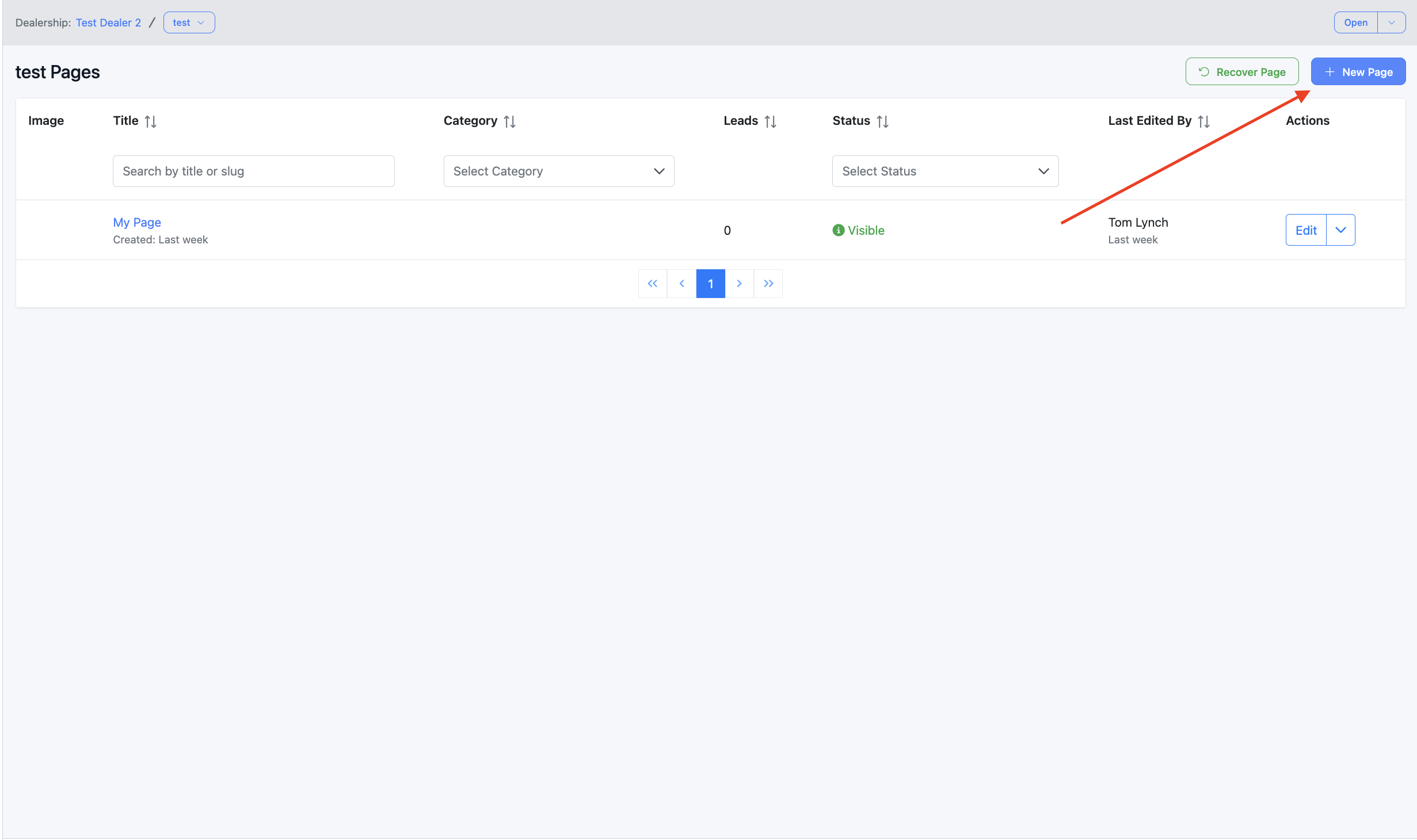
2. Create new page
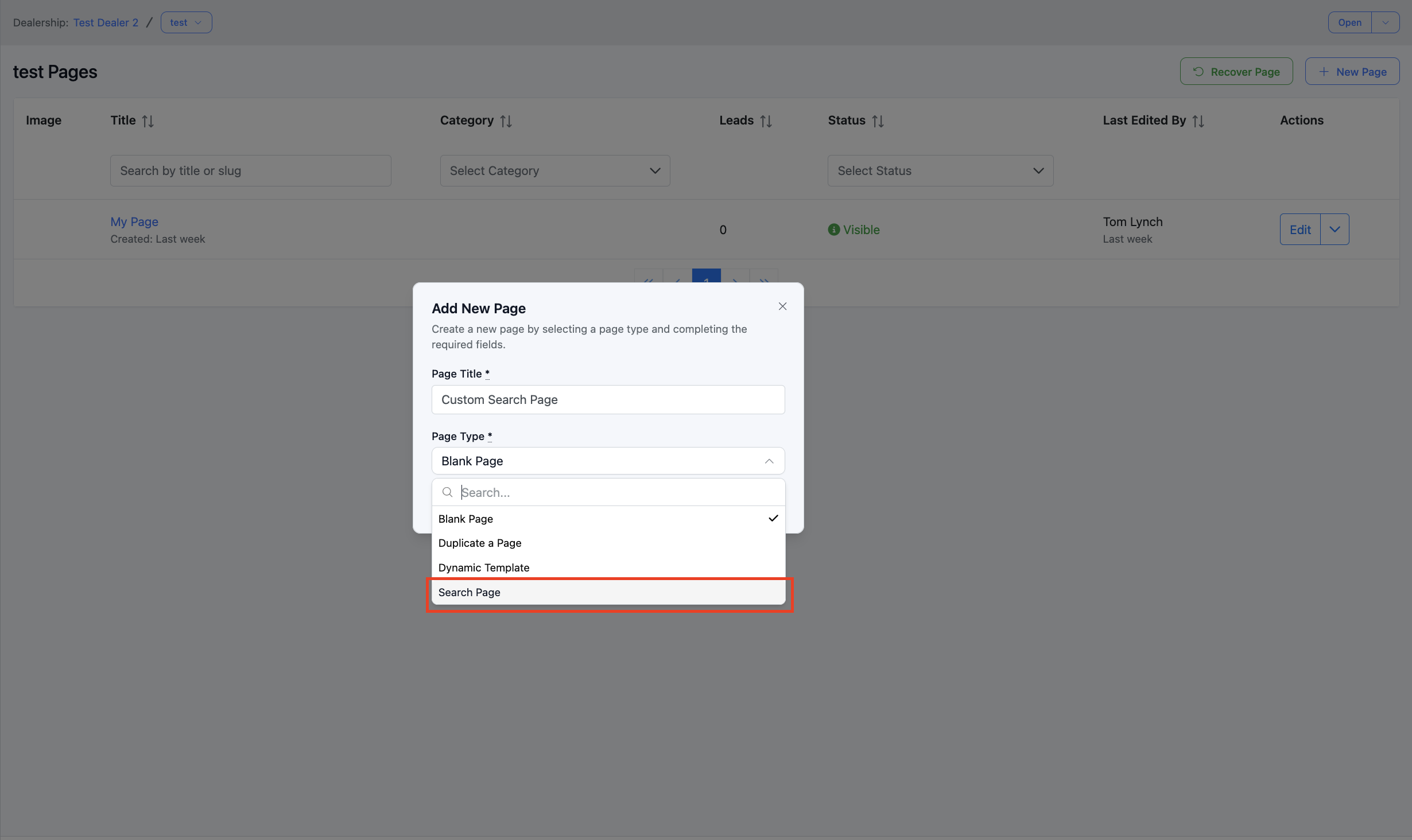
3. Select 'Search Page'
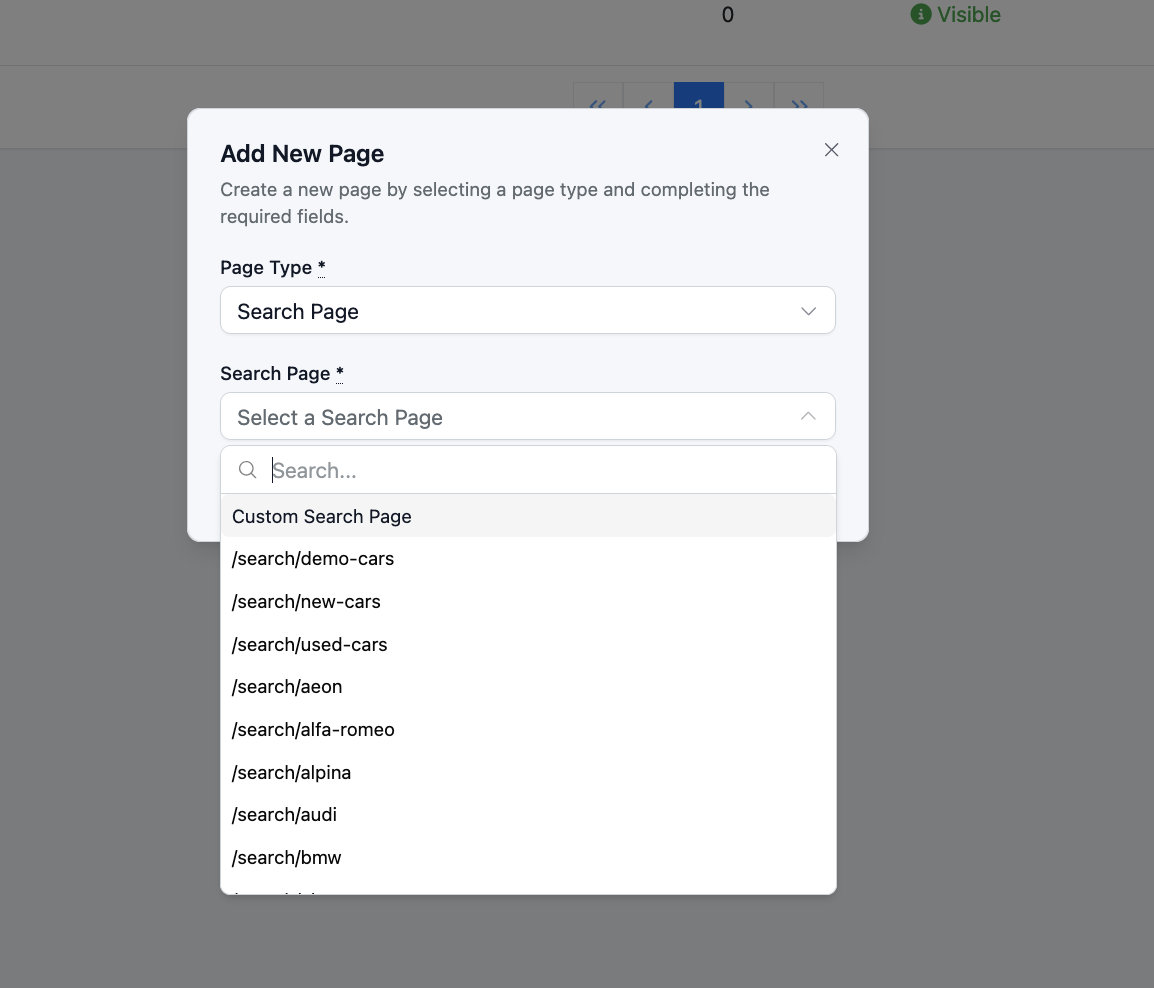
4. Select one of the pre configured options or select 'custom search page', for the purposes of this article we are selecting 'custom search page'
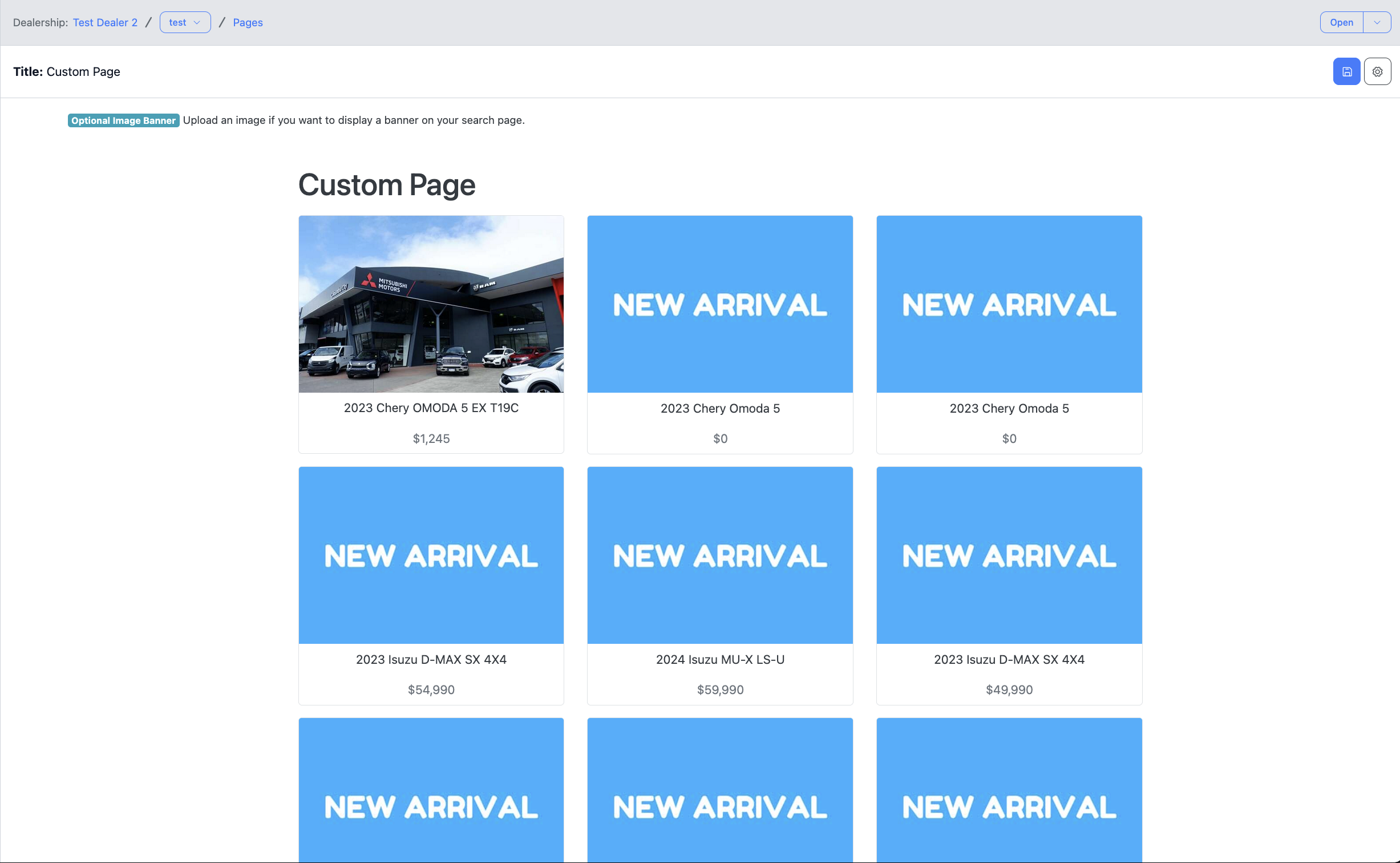
5. Now the page exists
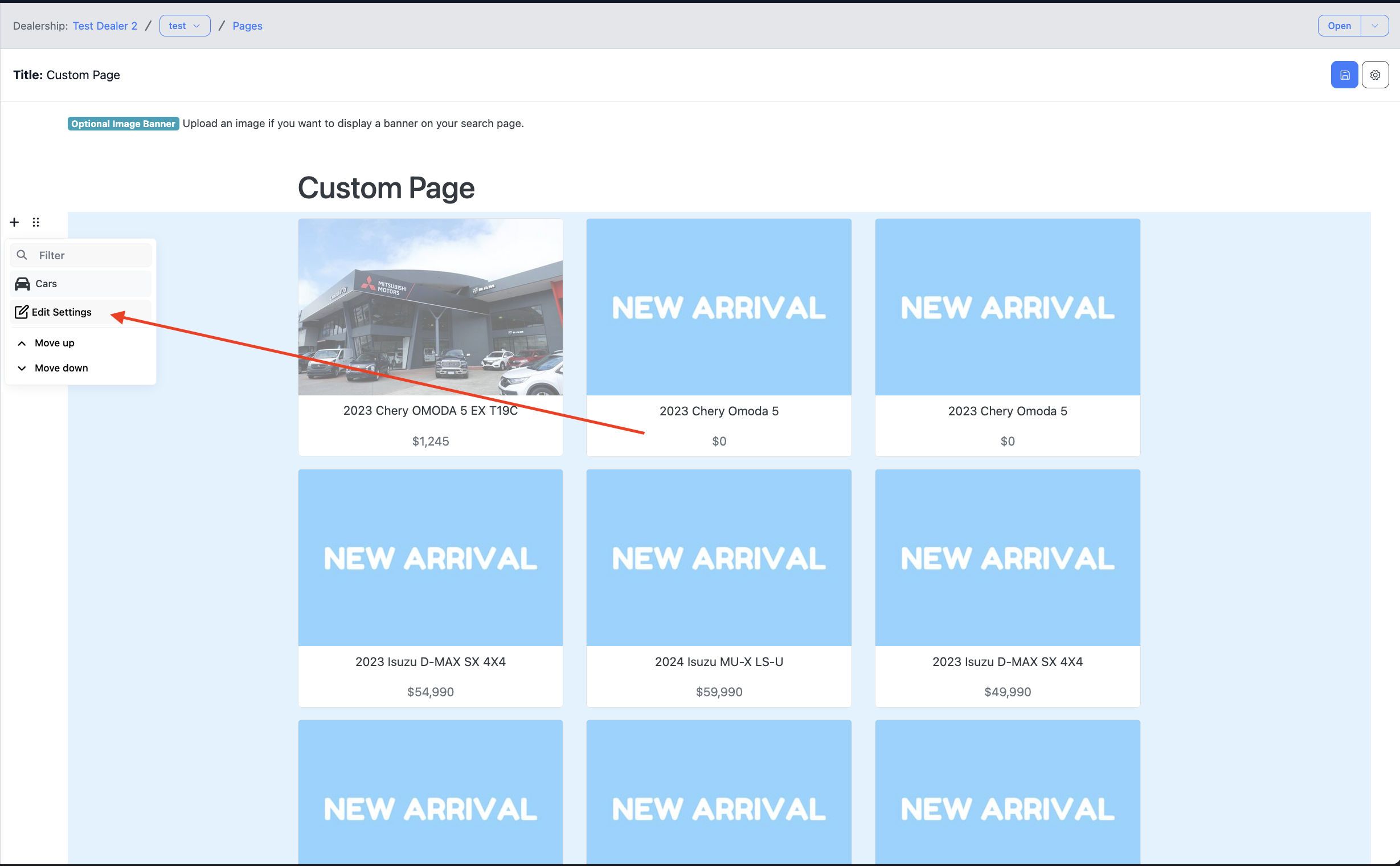
6. Edit the car setings
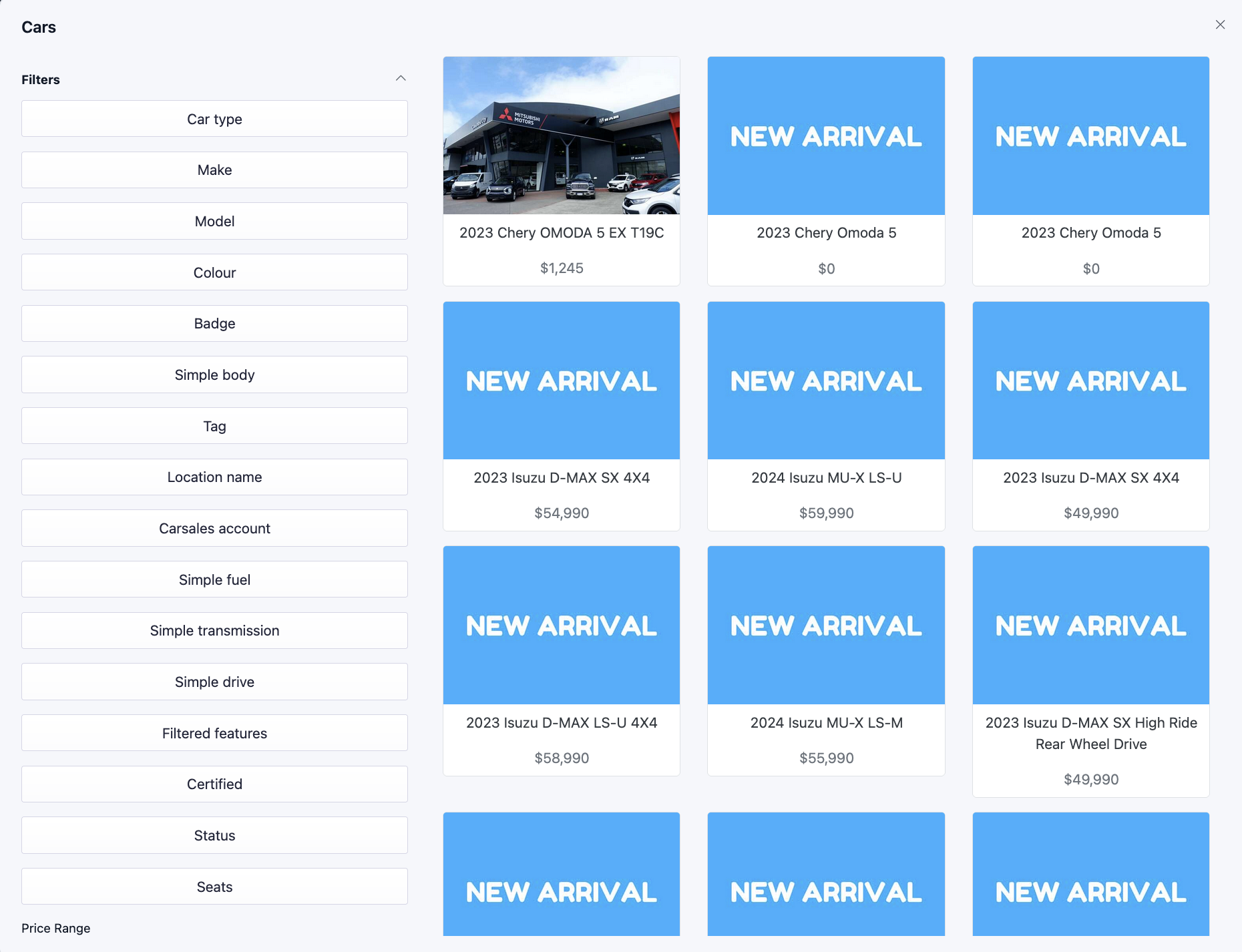
7. Apply filters
Was this article helpful?
That’s Great!
Thank you for your feedback
Sorry! We couldn't be helpful
Thank you for your feedback
Feedback sent
We appreciate your effort and will try to fix the article