
Adding Social Links
Connecting with customers through social media is essential for car dealerships. Adding social media links to your website header in Dealer Studio makes it easier for visitors to find and engage with your dealership online.
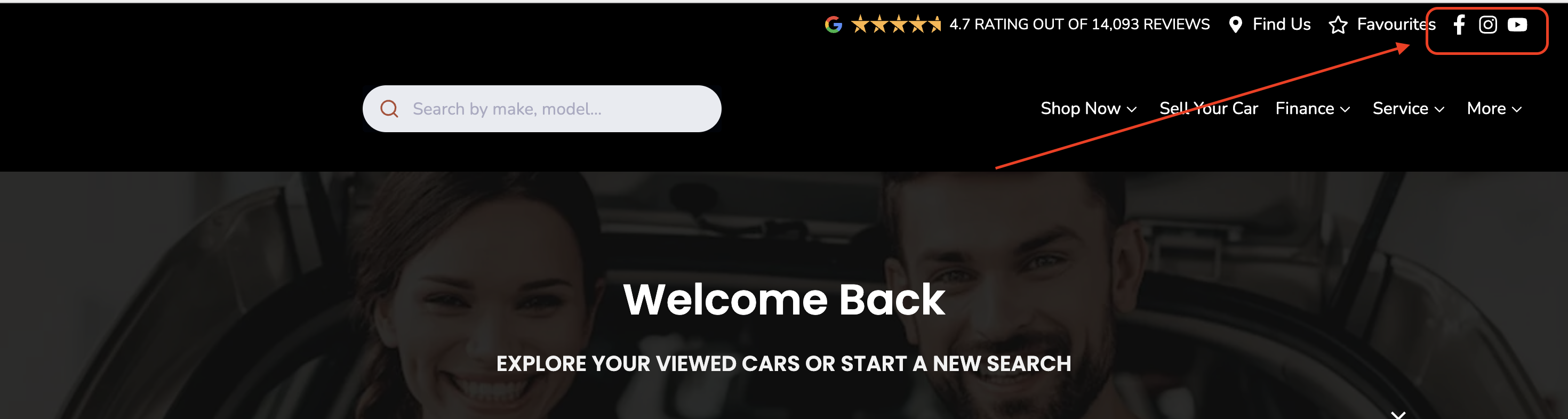
This guide will show you how to add and manage these links on the Dealer Studio Dashboard for:
- TikTok
- YouTube
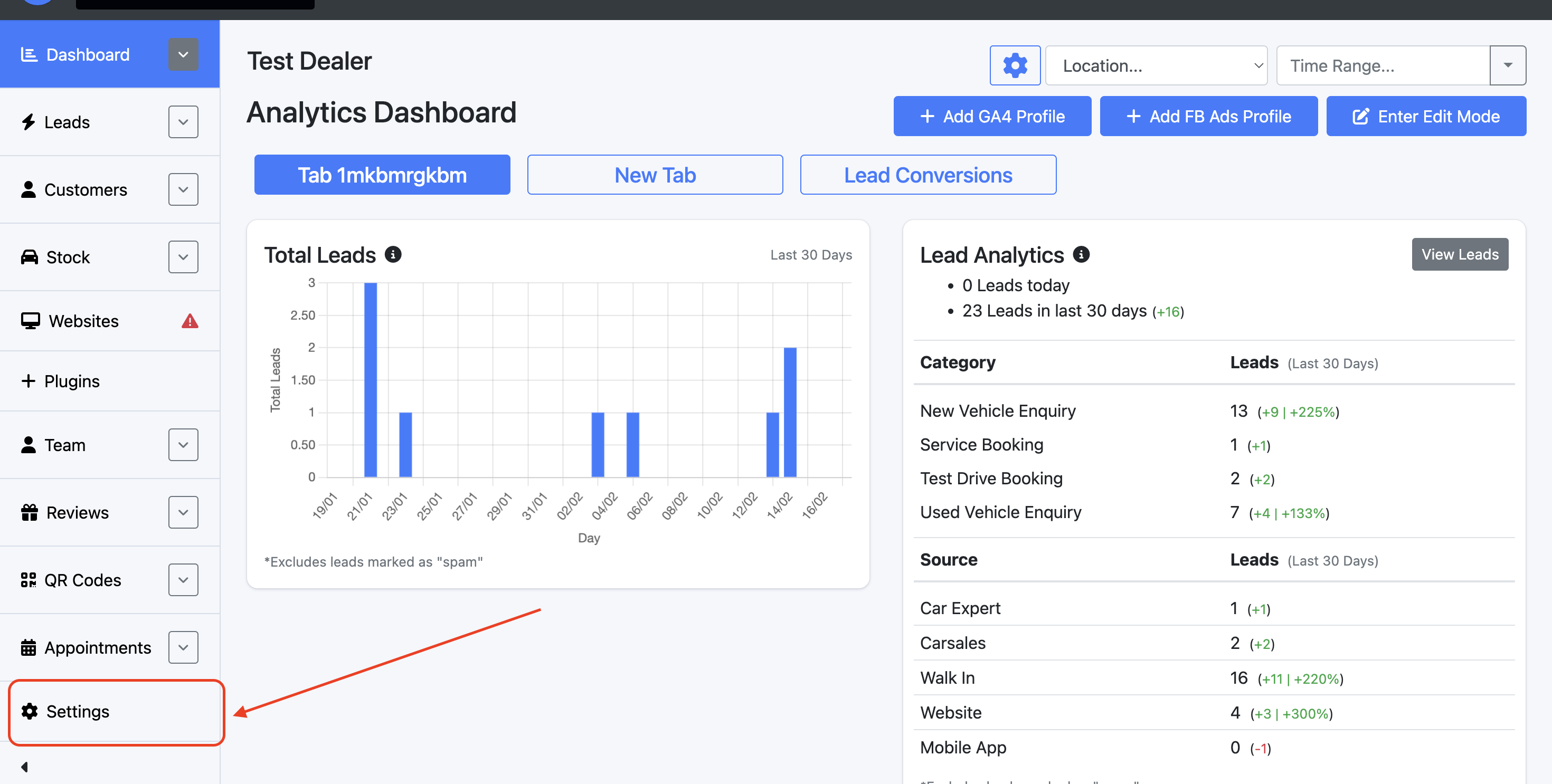
On the Dealership level of the Dashboard, select Settings
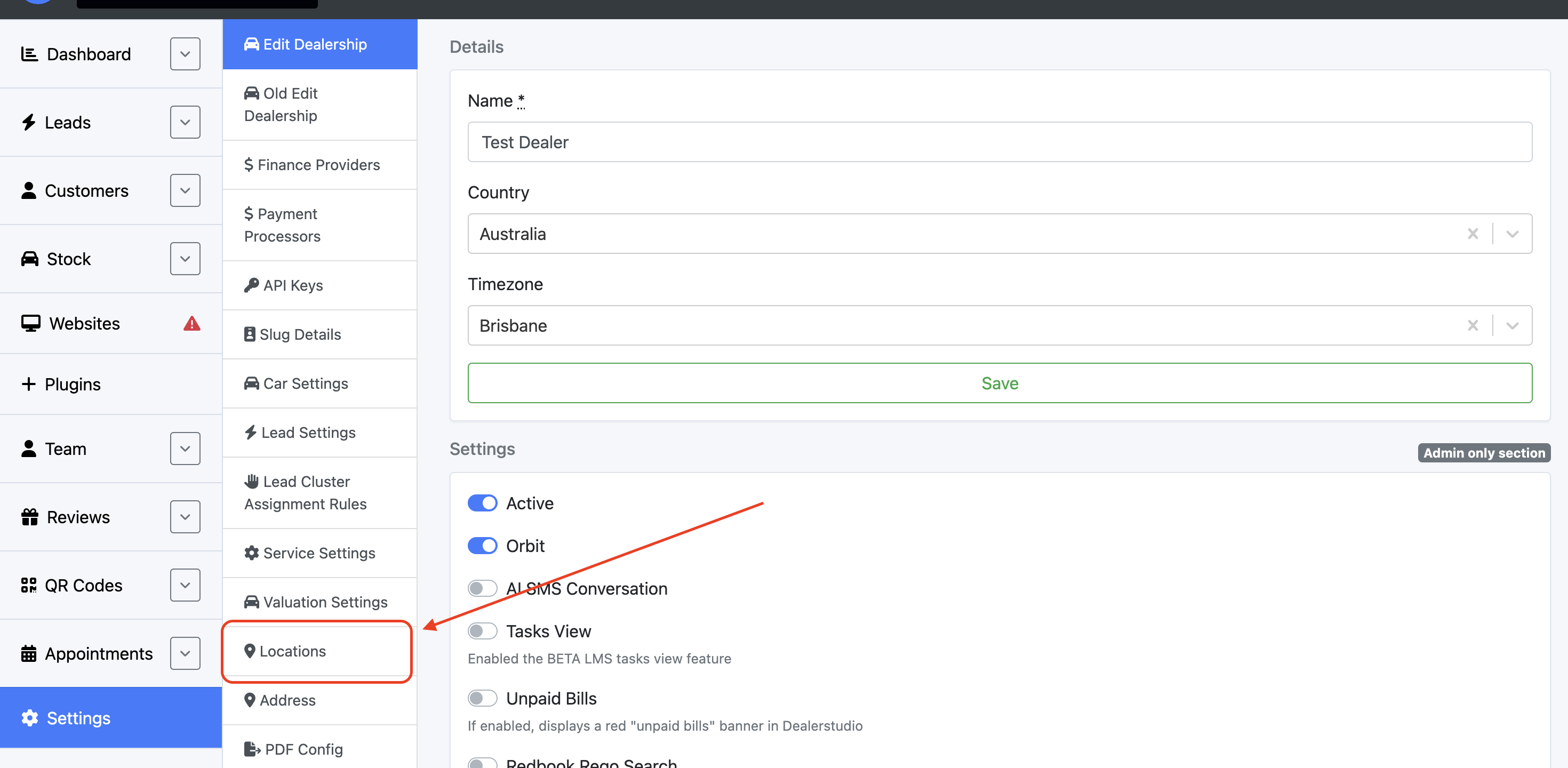
Select Locations
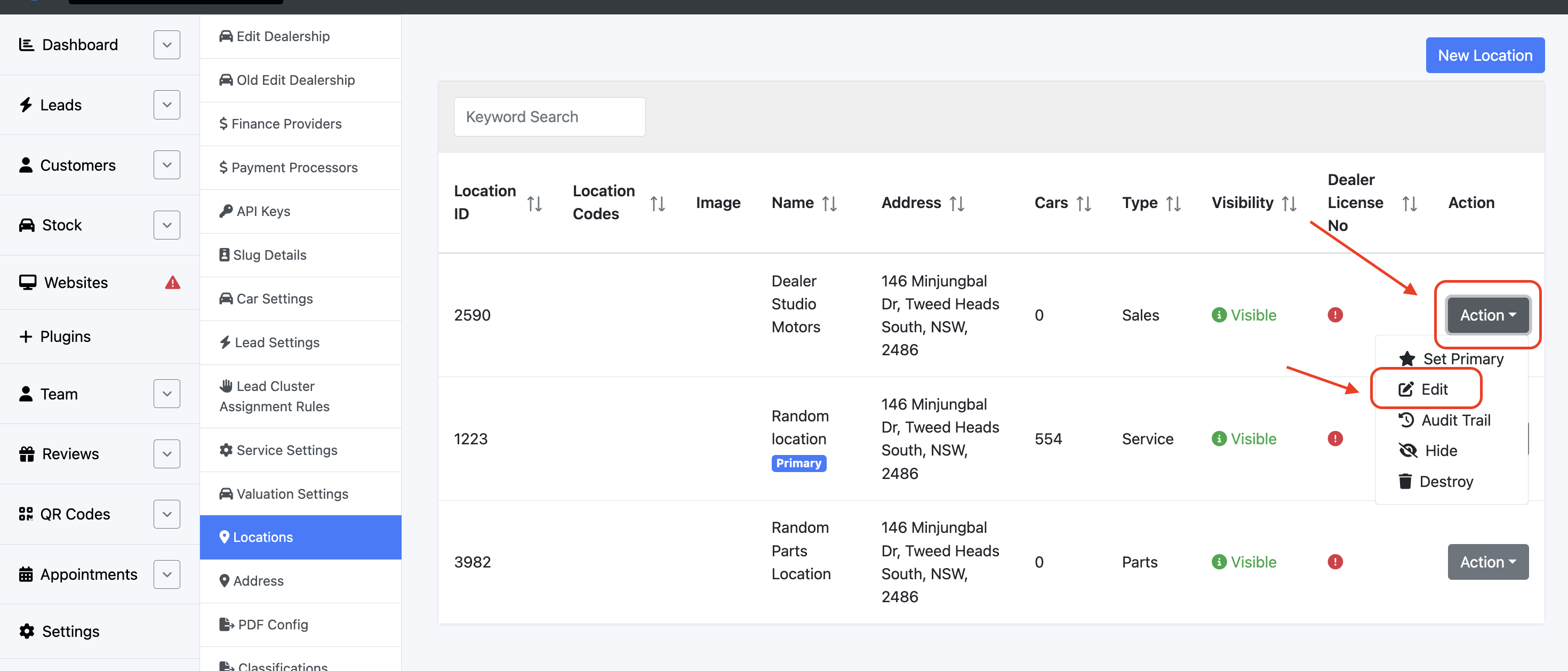
Next to the desired location, select Action, then Edit
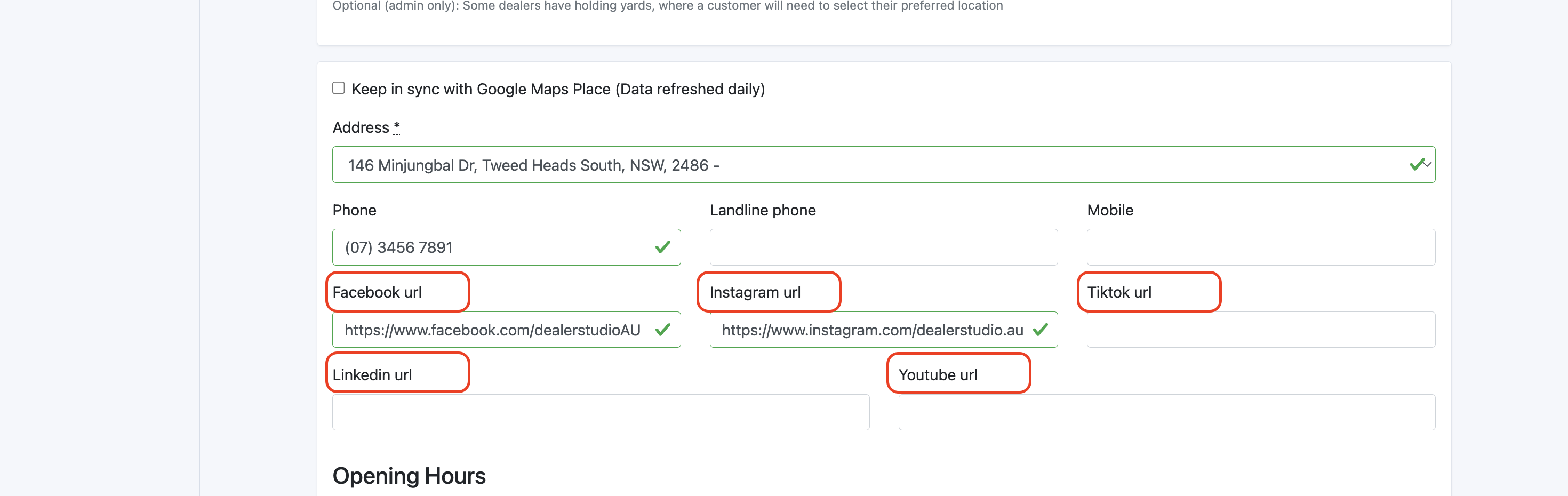
Scroll down (just above opening hours) and input the desired links
Ensure to select Update Location at the bottom of the page to save your changes!
